Simple Enemies in Playdate
This post is how I made the enemy’s move in my Playdate Pulp game. First, you need a function, EnemyMoveUpdate once you have that, in the game code you create a variable that is (I will use foo as this variable)= to event.frame. Event.frame is equal to the number of frames that have elapsed since the start of the game. Now you divided this by how fast you want your enemy to move, so 4 is fast whereas 10 is more normal. Then you make a new variable foo2 that = to the floor of foo then you see if foo is equal to foo2 if it is then tell that function to run otherwise do nothing. 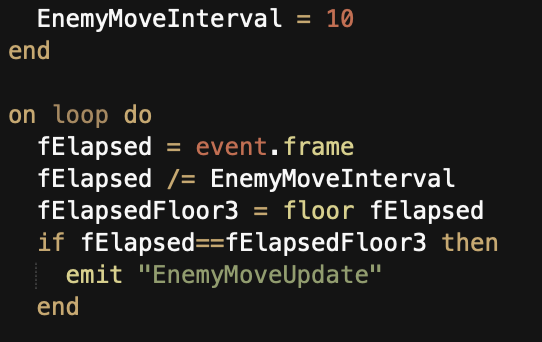
Credit to SquidGod for this part.
Now onto the actual enemy, make your little design
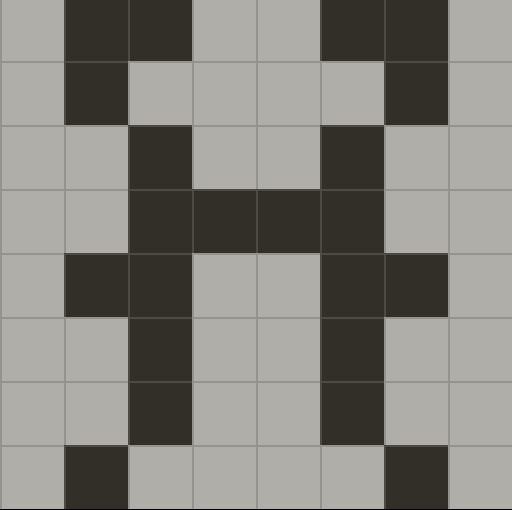
then get to coding. On the function set the EnemyX, and EnemyY to event.x/y which basically tracks wherever the tile is and then says if event.px which is the player x is more than enemyX then minus one from EnemyX elseif event.px less than the enemy then plus one to the EnemyX if nothing happens the player x is equal to the enemy x and it should change its y. You do the same for the enemy Y’s then you have to make sure the enemy isn’t going out of bounds so you just say something like foo = name of new enemyX and EnemyY now we have the name of the next block the enemy is going to go to. then it is != to white(which is the only block the enemies should go on) if it’s true it resets the EnemyX to event.x wherever it is now so when we change the next block it won’t plus or minus the x at all the x will stay the same. This just makes it so the enemy can’t go over solid block and it can’t go out of bounds. You do the same for the Y then you tell the enemy to swap white and the new EnemyX, EnemyY to swap with the enemy.
The final thing we have to do is deal damage. so we check if enemyX = to PlayerX then if EnemyY = PlayerY if that’s true I have a function to do damage to the player so we set the damage to 1 then tell event.player to call that function and in that function it damages the player. More on the health system next post. Thank you for reading tell me if you have any questions
The 5 Piece Sword
I made a Playdate Pulp game, okay so let’s go back. The Playdate is a small yellow 8-bit inspired console, it has no backlight and a lot of fun indie games. Now you can make a game on the Playdate in many different coding languages including SDK, NOVA, Swift, and Pulp which is what I coded my game in. Pulp is a simple coding language that is great for people who are new to coding to start with. All the instructions are on a website and there are a lot of different things you can do with the code even though it’s a small language.
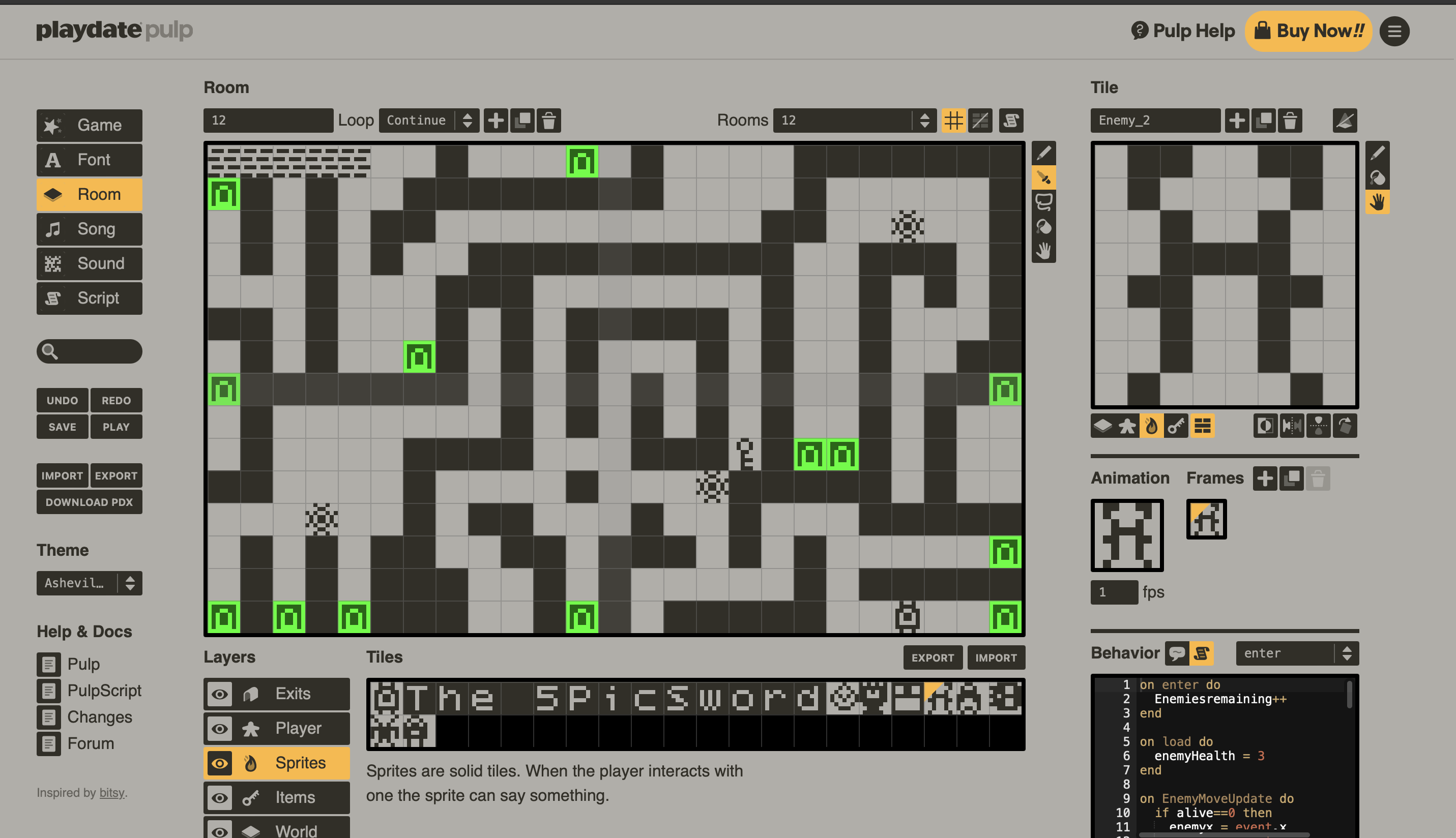
You design your own characters in an 8x8 grid and you design your own level in a 24x14 grid. You code each one of those characters and each level. I will have posts later on that were actually coded but here I’m trying to keep to the main point. I worked for about a month, over 100 hours, and had 1683 lines of code to finish it. It is called The 5 Piece Sword.
You go through 20 different levels that include mazes, enemies, turrets, and more to get all the pieces of your sword. As you get more and more pieces your weapon does more and more damage but beware as the enemies get stronger with you. That’s the main premise of the game, you can emulate it with this link.
I would love to hear what you think and if you find any glitches I would love to know. Thank You! (I will post more about he code of the game if you are interested in that)
Part of Summer Challenges.
Favorite Game On Playdate
The Playdate is a small yellow handheld game system. You play games in black and white with a 8-bit feel to the console. There are so many games that you can play with the season pass and even more you can buy from a special store they have. You can even code your own games in SDK, Swift, Luna, and Pulp(Which is a web based game editor, it is simple to use and great for beginners). Another cool feature about the Playdate is the crank, it is on the side of the console and can be customized fore all sorts of different things in game. All in all I love playing games on the console and is a good way to relax, but the point of this blog post is to share some of my favorite games to play, so lets get into it!
1. Bomber Panda
Bomber Panda is my favorite game on the Playdate. The point of the game is to get all the way to level thirty. You place bombs as your weapon and have to kill monsters, spiders, and spinning disks. You have three attributes, speed, how many bombs you can place at a time, and explosion radius. You explode crates that have a chance of having one of these attributes in them and as you go farther you get stronger and stronger. Another reason I love it is because it is so hard. Any bomb you place can kill you if you don’t get out of the way and any of the three mobs can one shot you as well(I’ve played the game for probably five to six hours and have only gotten to level twenty). Like I said it is my favorite game and it only costs two dollars so if you have Playdate I would recommend trying it out.
2. Whitewater Wipeout
Whitewater Wipeout is another one of my favorites. You use the crank to control your surfer and have him do tricks. You start riding the wave and you have to perform tricks to increase your speed and score. If you don’t go fast enough the wave catches up with you and you wipeout. You get three lives in each run and your score is added up from each time you surf to get your final score. It is simple and great to just play for a couple of minutes. While being simple it is also not easy because the more tricks you do the more opportunity there is for you to fail a trick and lose all of your speed. This is one of my top 5 games on the Playdate and came in season 1 if you want to play it.
3. P-Racing
P-Racing is my favorite racing game in the Playdate catalog. It is the most like a real game on the playdate I think. It has a small storyline to the game where you are a cop car and need to chase down criminals in the city, this is very fun but my favorite thing is the time trials. There are 8 tracks with unique difficulties in each one. once you complete a track you will always have the shadow of your record following you on the track and you try to beat your high-scores. There is an arena mode where you play a soccer game against bots like Rocket League and there is a mod where you race against the bots on any of the 8 time trail tracks. The least mode it has is free ride mode which grants you access to a city where you can ride your car as fast as you want and wherever you want. The game also does have achievements that you get which just make it even more like an average game. This is definitely one of the biggest games and won the 2023 outstanding technical achievement in SDK award. their is a lot more to this game that I can’t explain and there are some easter eggs in the game. This game is one of the more expensive game coming in at $12 but I think it is worth the price.
4. Crankin’s Time Travel Adventure
Crankin’s Time Travel Adventure is the best use of the crank on the Playdate. Crankin is a robot person who is always taking naps and wakes up just a little to late. You have to use the crank to get hime there as fast as possible but it’s not as simple as that there are birds, pigs and many things that you have to dodge on the way. How it works is there will be like a bar and when you hang onto the bar the robot will separate which lets the birds through and then you step onto stairs to avoid a pigs, but where it gets complicated is then you have to crank backwards so you get off the stairs and a bird can pass by. This is a very complicated and frustrating game but I like the challenge and this is probably my second most played game. You also have to be careful to not take too long or else you be late to the event you are trying to get to and you have to restart the level. This game was included in the season 1 pass if you want to play it.
5. Pick Pack Up
Pick Pack Pup is a game about getting three or more items in a row or any shape really. This is the first game I loved on the Playdate. It has a great storyline where you feel like you’re really part of it. Every level has a challenge like pack 7 items in to a box ect. and in the begging these are very easy but not far into the game these become almost impossible. to beat one of the levels you have to pack as many boxes as you can in the grid of things you are given then ship them off and get more items that you have to pack. Once you have made enough money you continue the story and go to the next level. It is a great game to relax on since there is no tense moments and it is hard to fail a level. It is part of the season 1 pass if you want to play it.
6. Omaze
Omaze is in my opinion one of the hardest games on the Playdate. Each level consists of many circles, each one has some obstacle or challenge in it. It gets really hard when big parts of the circle kill you and the that is moving so you have to crank the crank at just the right frequency that the circle is moving. I litterly have gotten through three of the levels becuase it is so hard. If you like a challenge this is for you. You also have to use your brain in later parts to time when you want to jump in a circle or what path to take. It’s hard to explain this one in text so I would really recommend looking at the link. If you want to play Omaze it is part of the season 1 games.
There are so many amazing games on Playdate so I can’t list them all but these are my top 6. I would love to hear other peoples favorite games on the console. For the rest of the post I am going to name some honorable mentions.
B360 Try to destroy all blocks without letting your ball go into space.
Hyper Meteor You are a ship trying to destroy all meteors, but be careful which side you hit.
Lost Your Marbles Most like a RPG, really great story, big game, didn’t take the time to beat it.
Crank Shaft Fall through gaps in the blocks to the bottom, like a mobile game, fun until it’s not.
A Joke Thats Worth ¢99 Amazing game, its one REALLY long joke, you use the crank to keep a little guy in the air. Never got to the end but easily best game. ed
Part of Summer Challenges.
Photowalk, Equilibrium
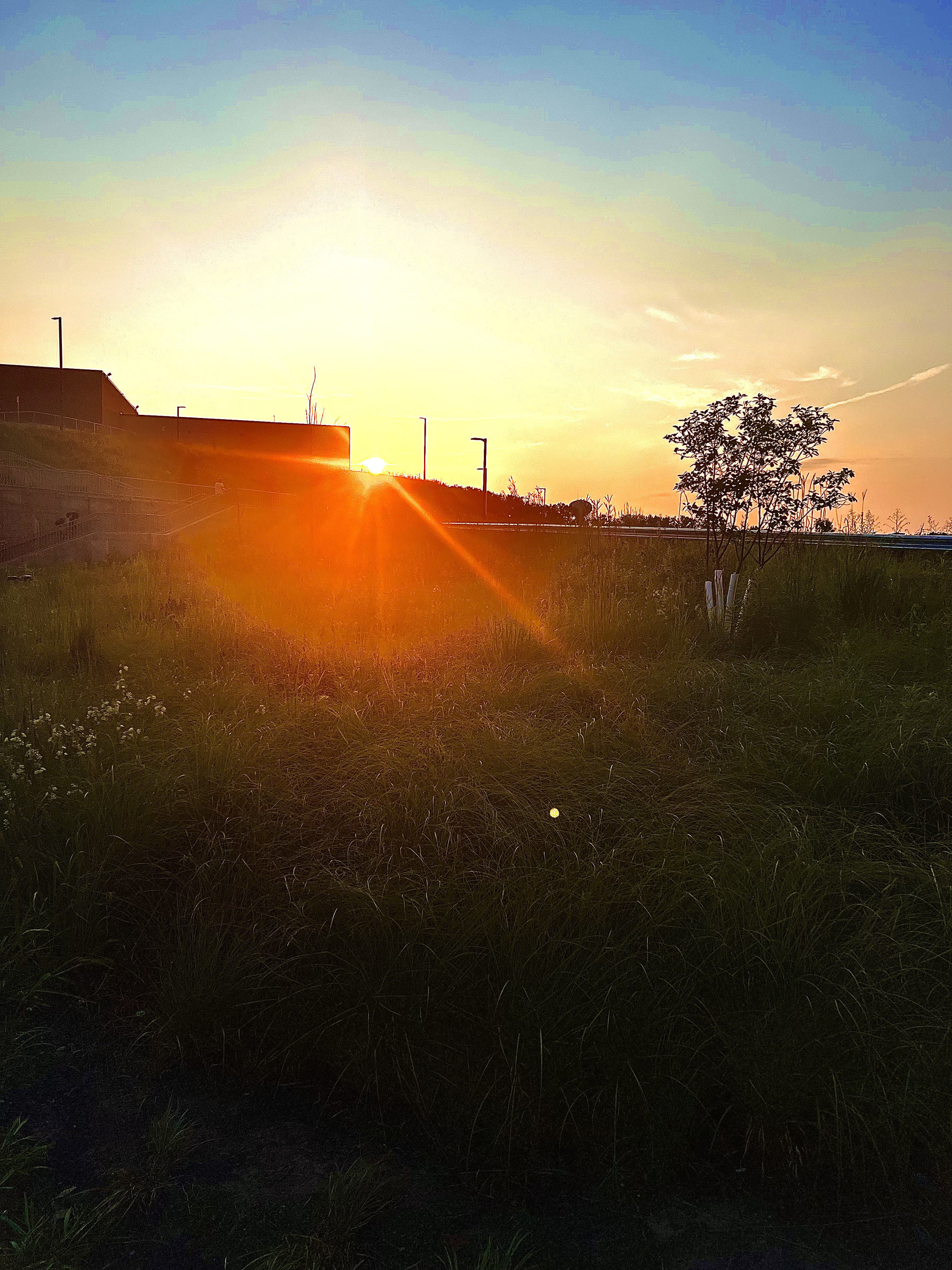
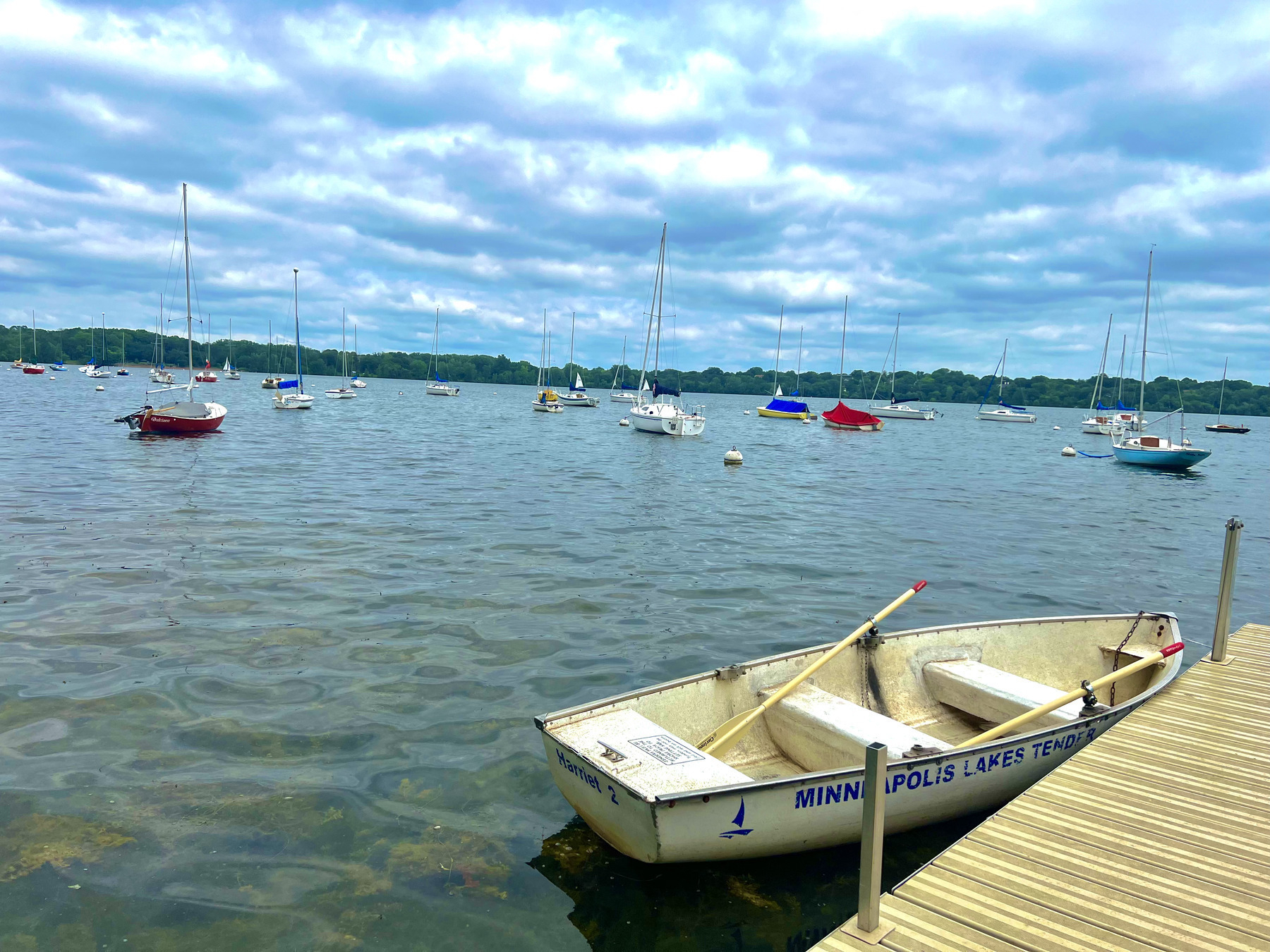
One of my summer challenges was to go on a photowalk which is basically a walk around your community where you take photos of stuff there. The only thing different was that I had to pick a topic for the photos. This photowalk is a collection of photos that show balance There is no people or things in any of them and show fun or beautiful things like a sunset. This is my favorite collection of photo’s that I’ve put out so far so I hope you enjoy.
Corn

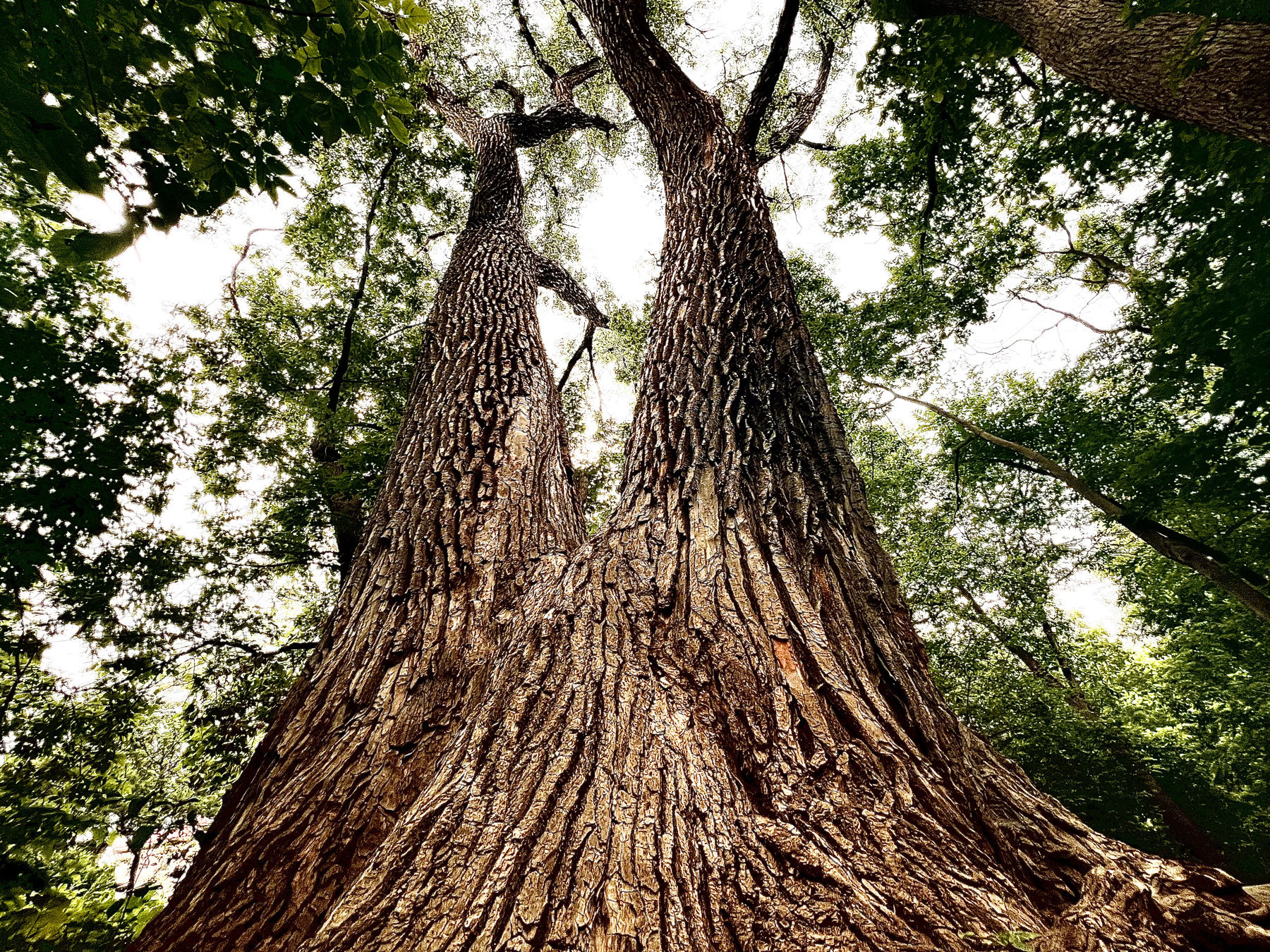
Tree
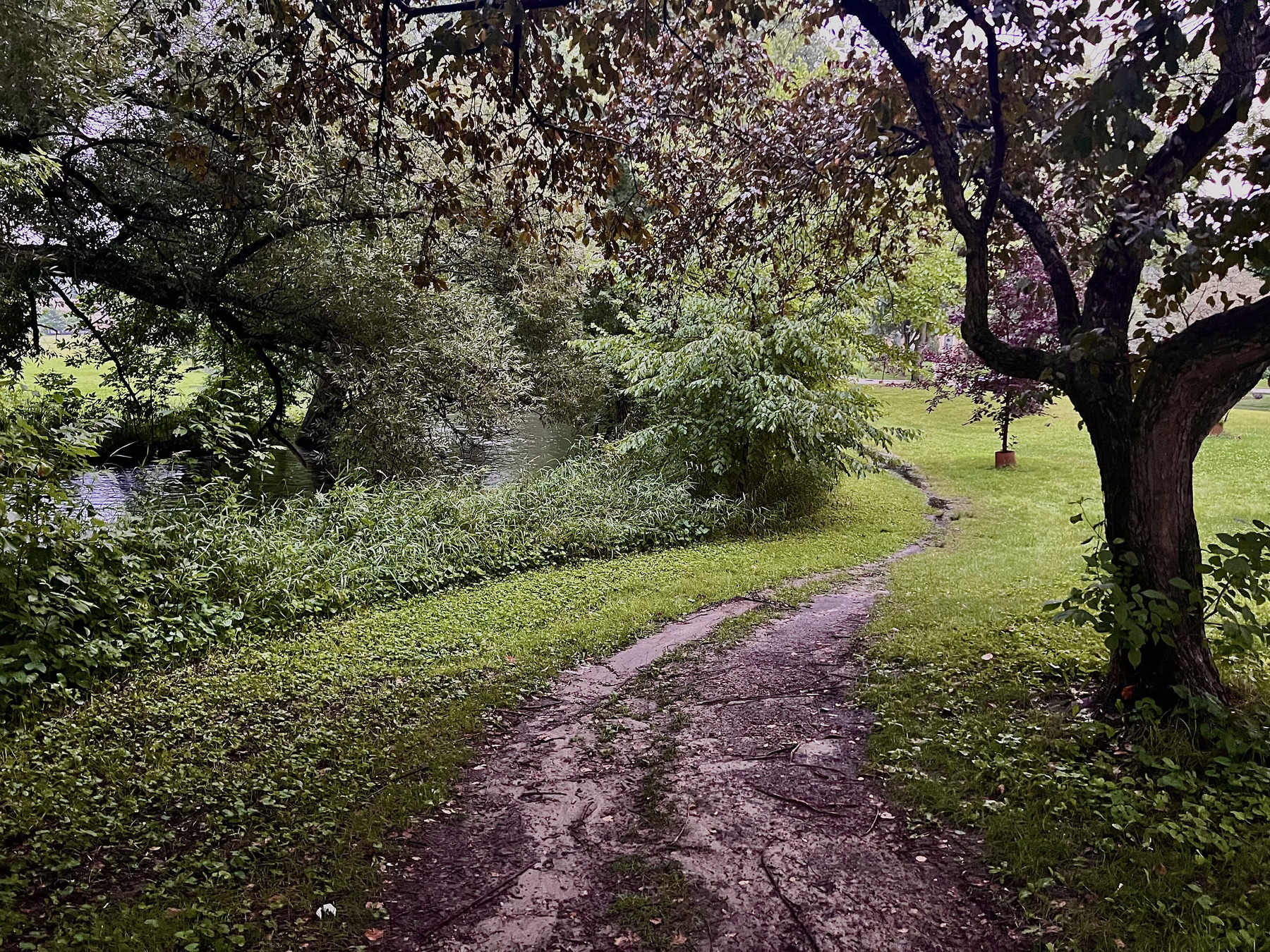
Trail
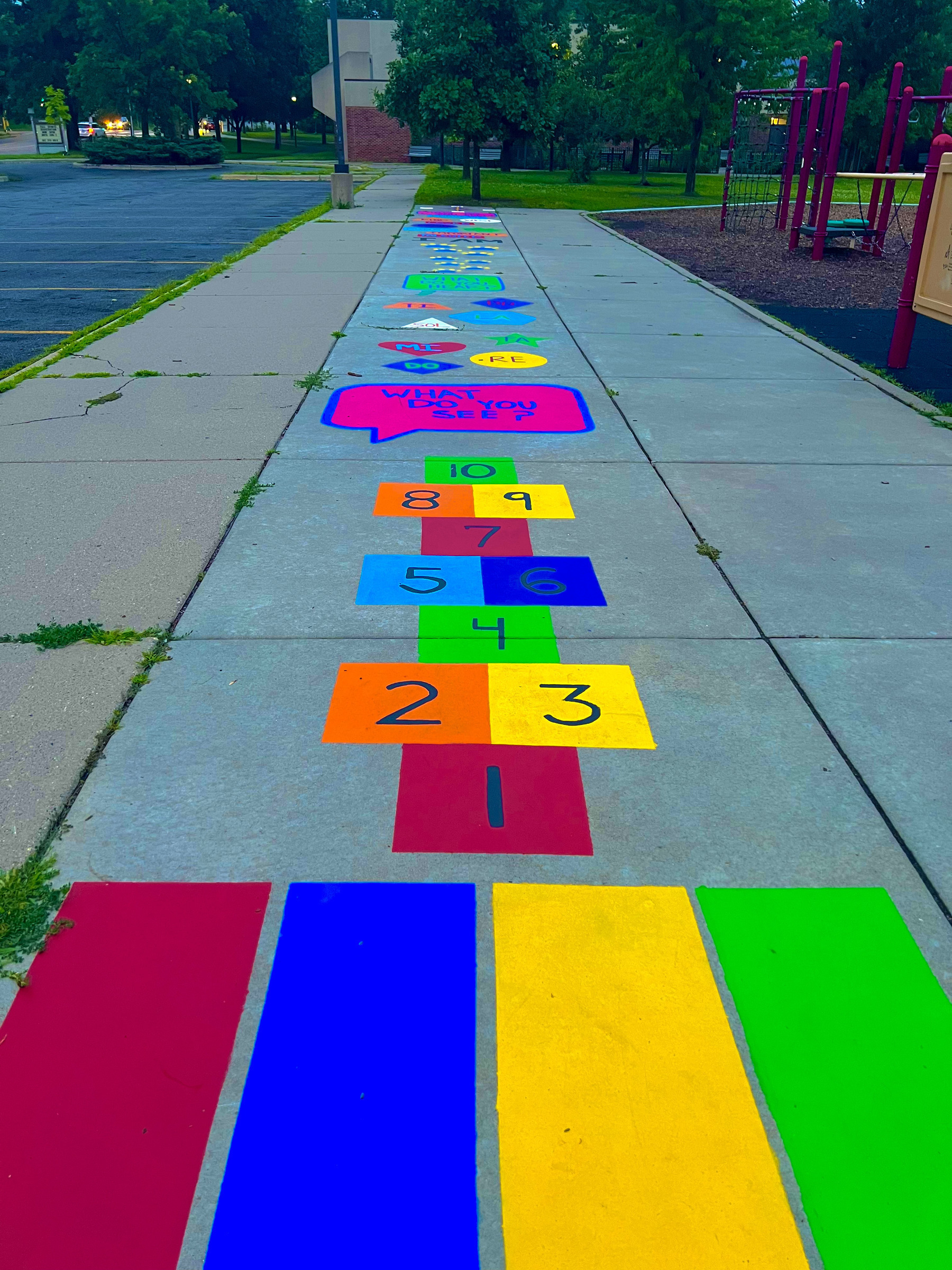
Hopscotch
Lake

River
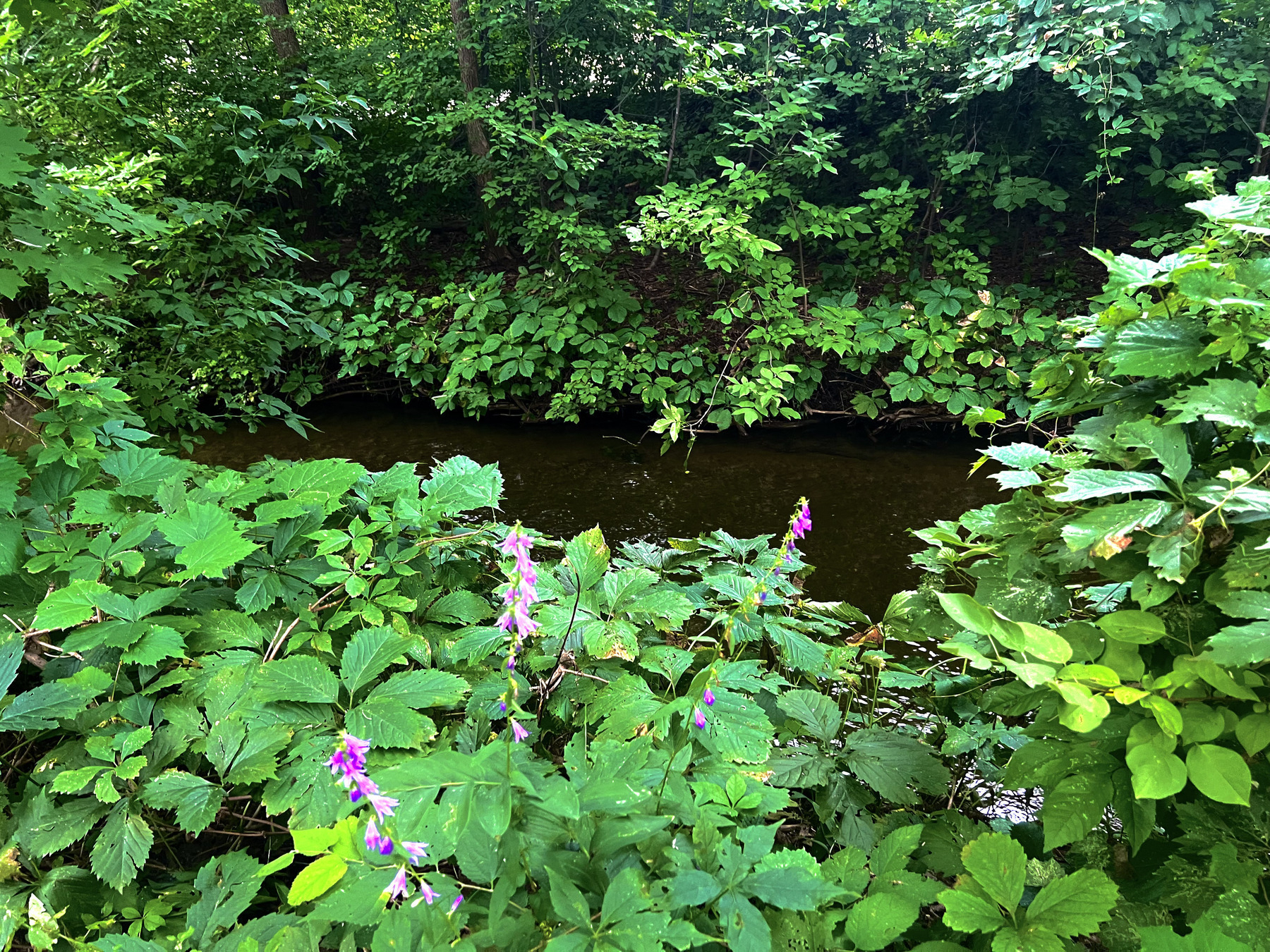
Sunset
Boat
Shore

Part of Summer Challenges.
Photowalk, A Walk In The Rose Garden
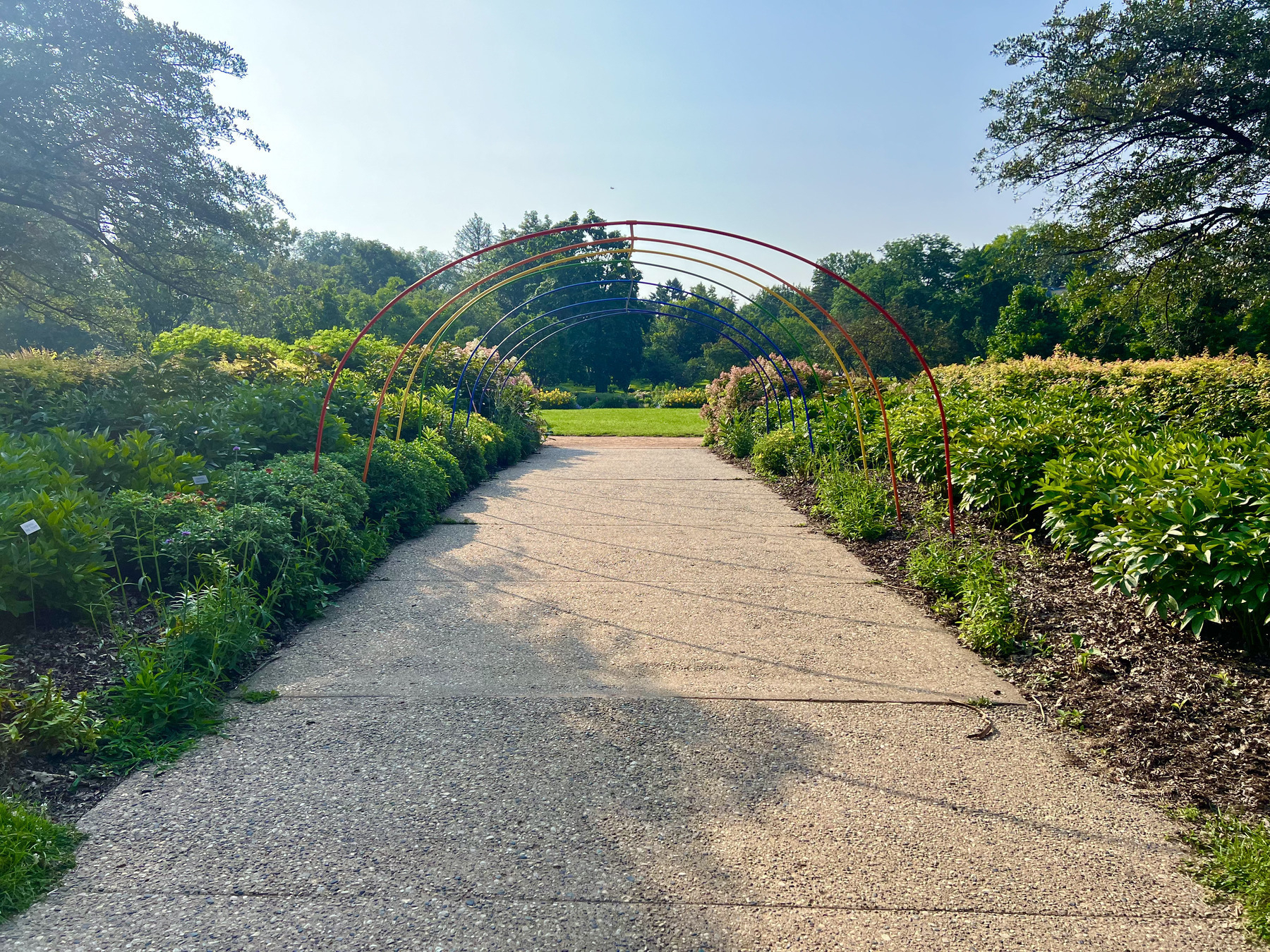
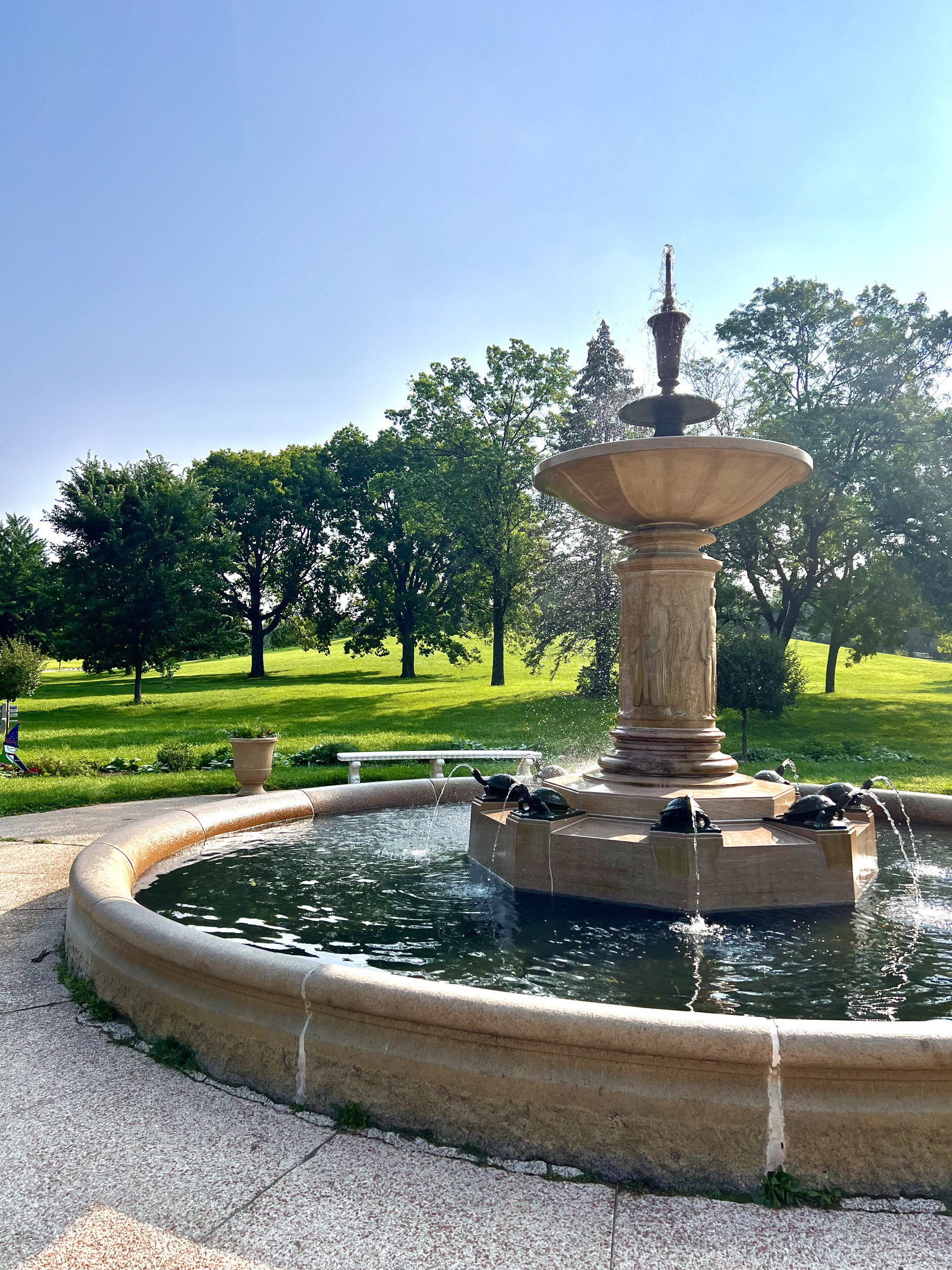
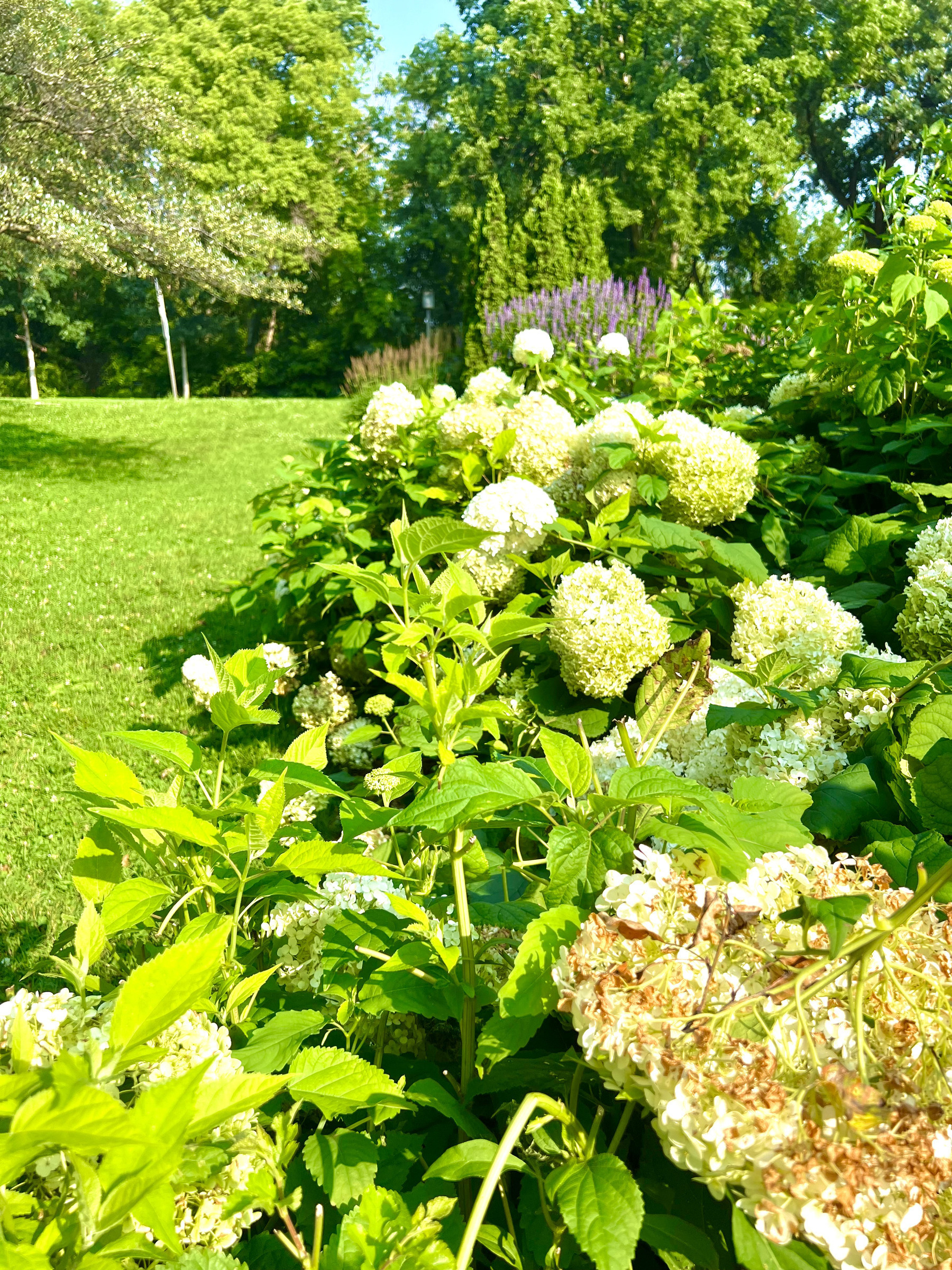
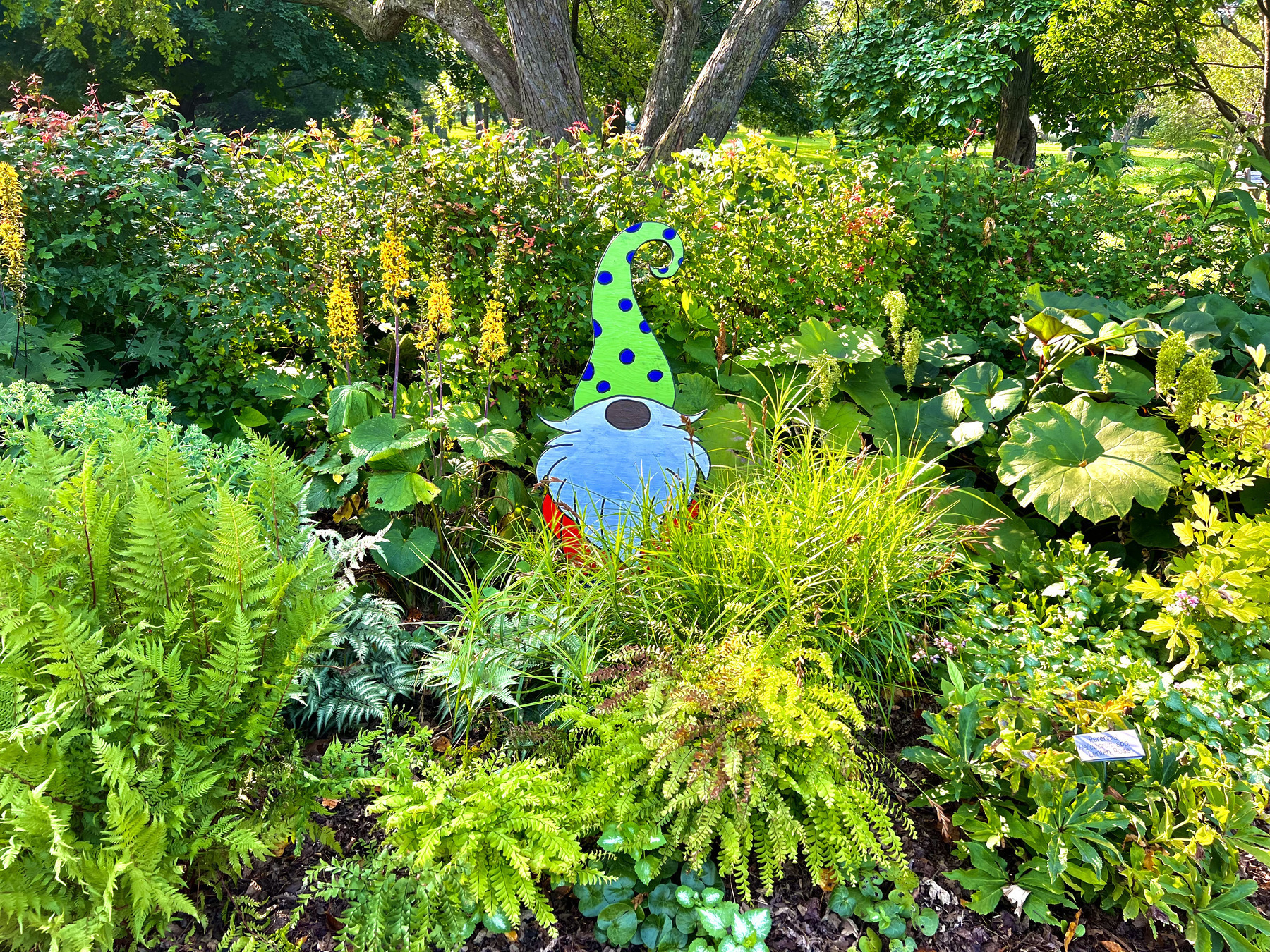
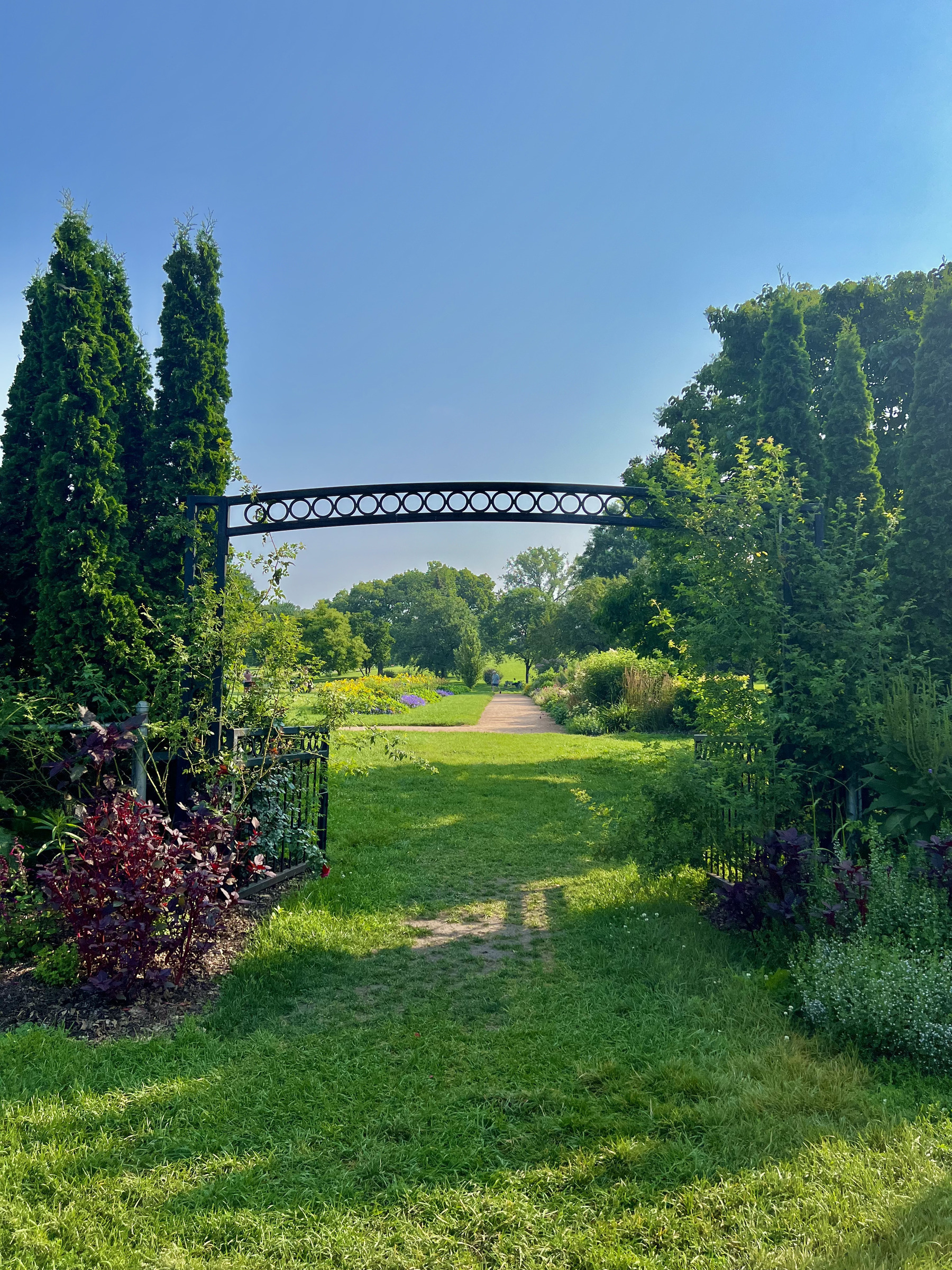
This Photowalk is a collection of photo’s from the Rose Garden. The Rose Garden is a local garden with multiple fountains and rows of many different flowers. Since Rose’s aren’t in season currently these are of the different flower, fountains, bees, and the beautiful scenery around it. sit back and enjoy your tour of the Rose Garden.
Rainbow Entrance
The Fountain
Flowering Bushes
Hiding Gnome
The Other Side… Of The Garden
Flowers
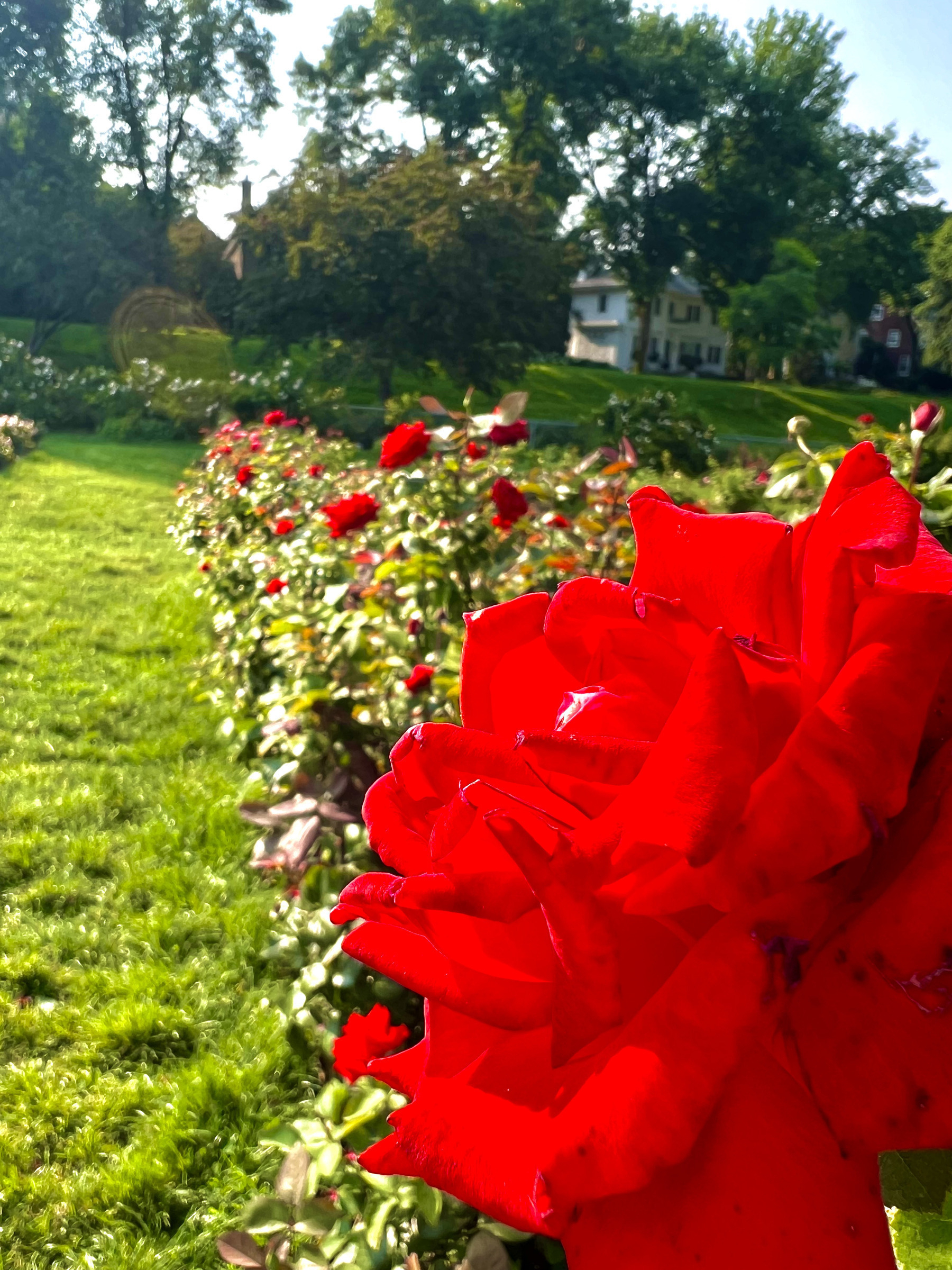
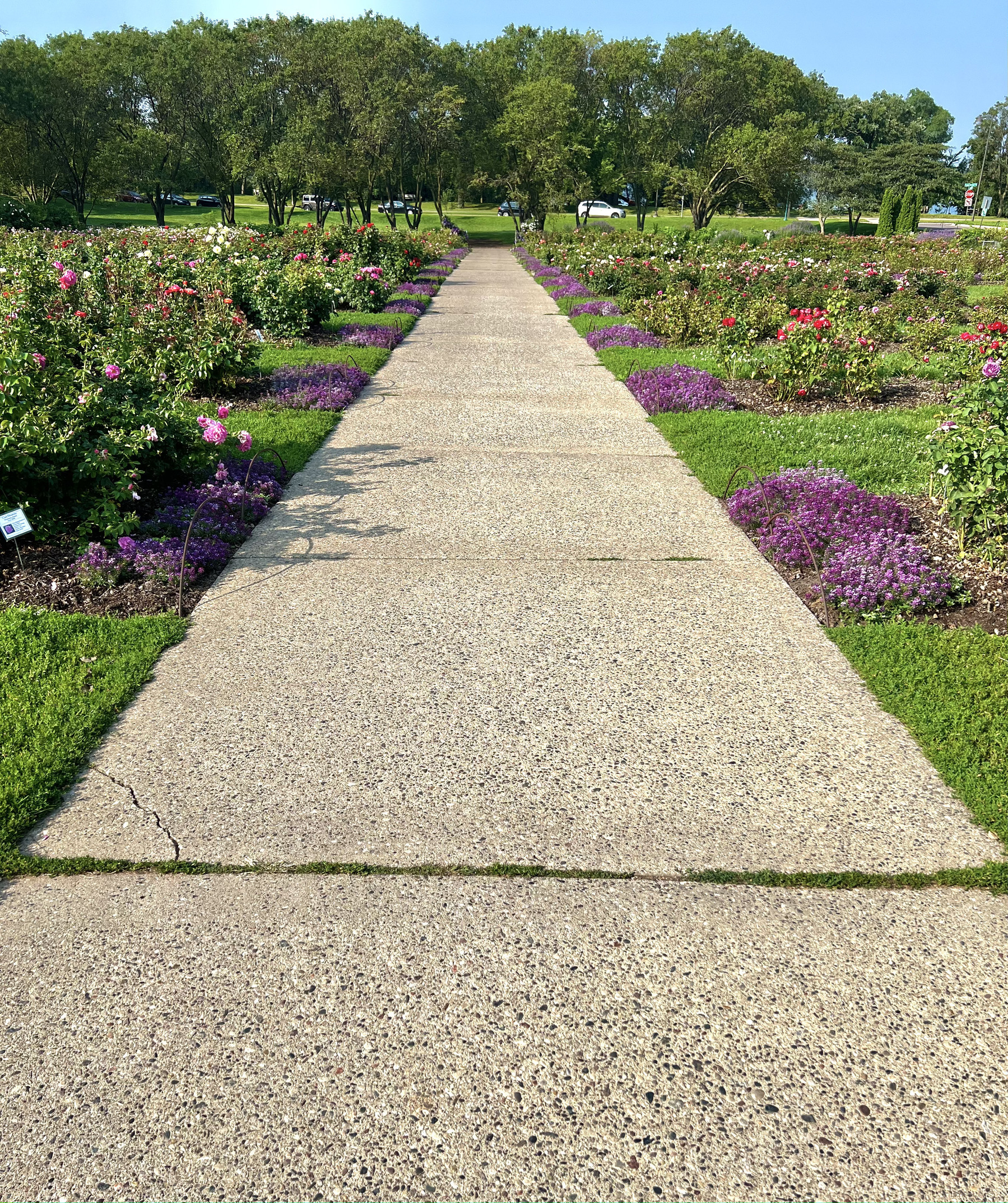
Flowered Pathway
Bees (Look Closely)

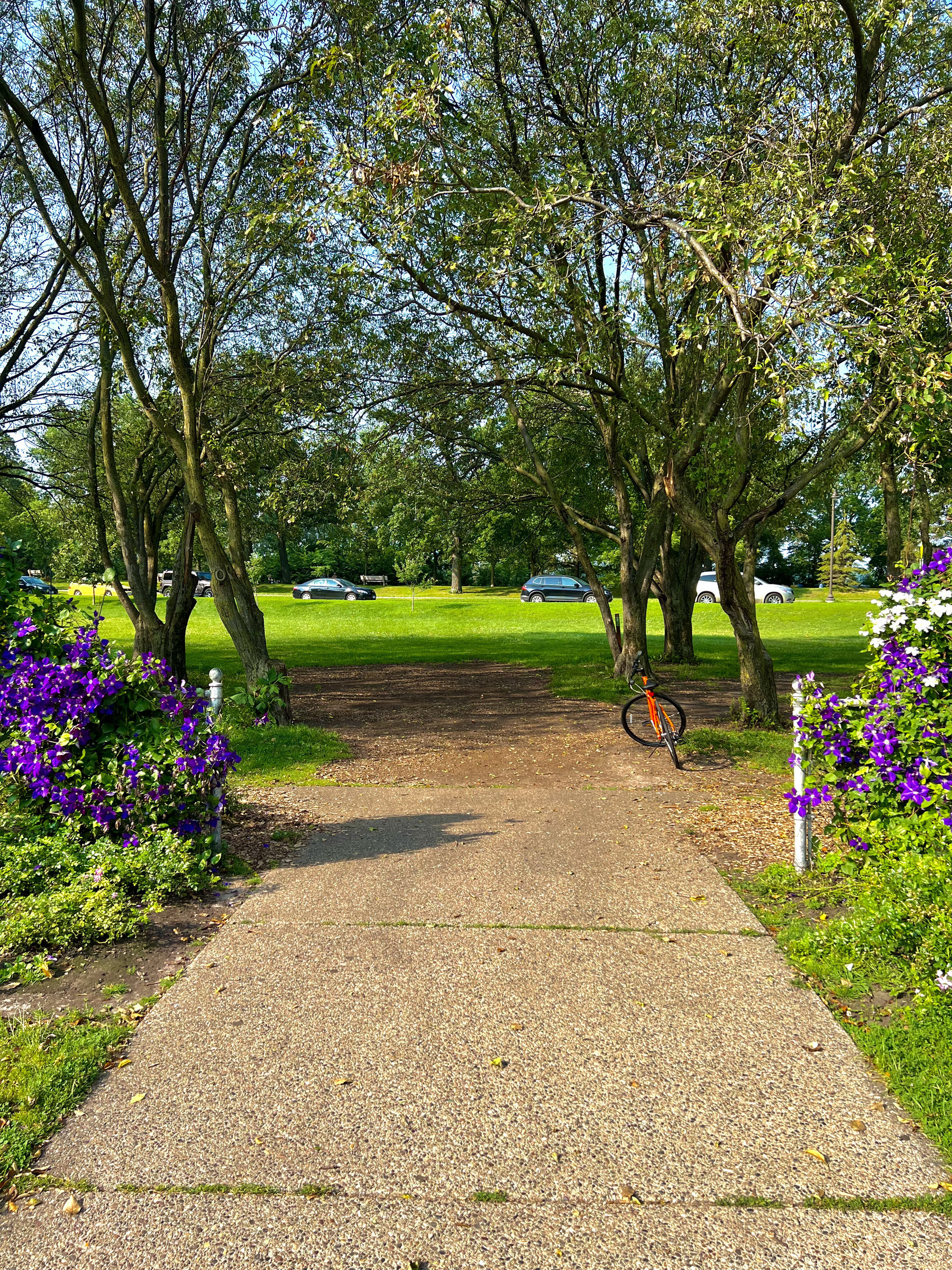
A Lonely Bike And The Exit
Part of Summer Challenges.
Photowalk: Creatures In The Garden
One of my summer challenges was to go on a photowalk which is basically a walk around your community where you take photos of stuff there. The only thing different was that I had to pick a topic for the photos. After the first walk I had selected a topic and over the next three walks that I compiled seven photos that fit in my category. My topic for my photowalk is Creatures In The Garden. I took photos of fake animals that people put in the garden like gnomes or rabbits. Here they are!
Standing Caterpillar
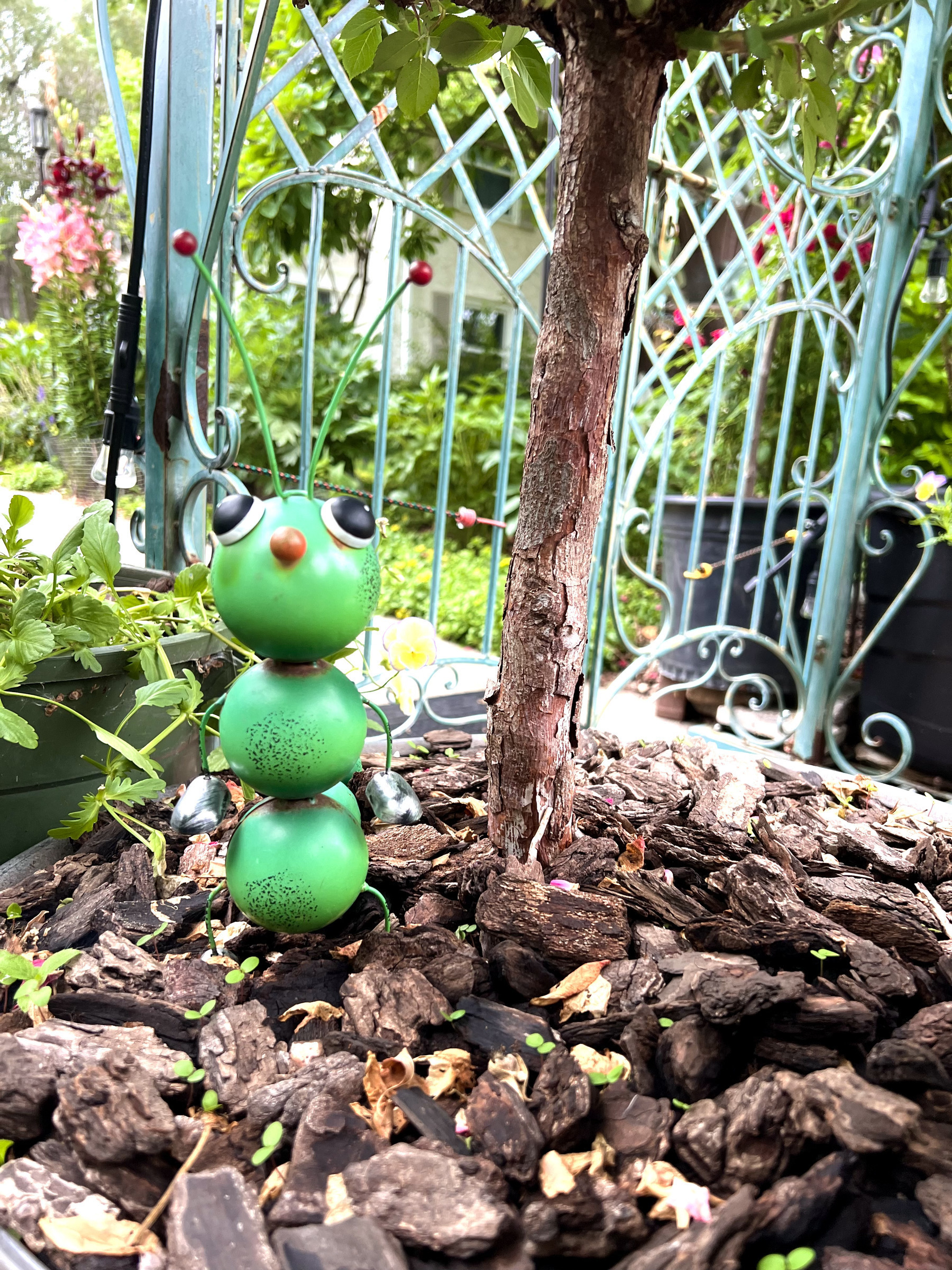
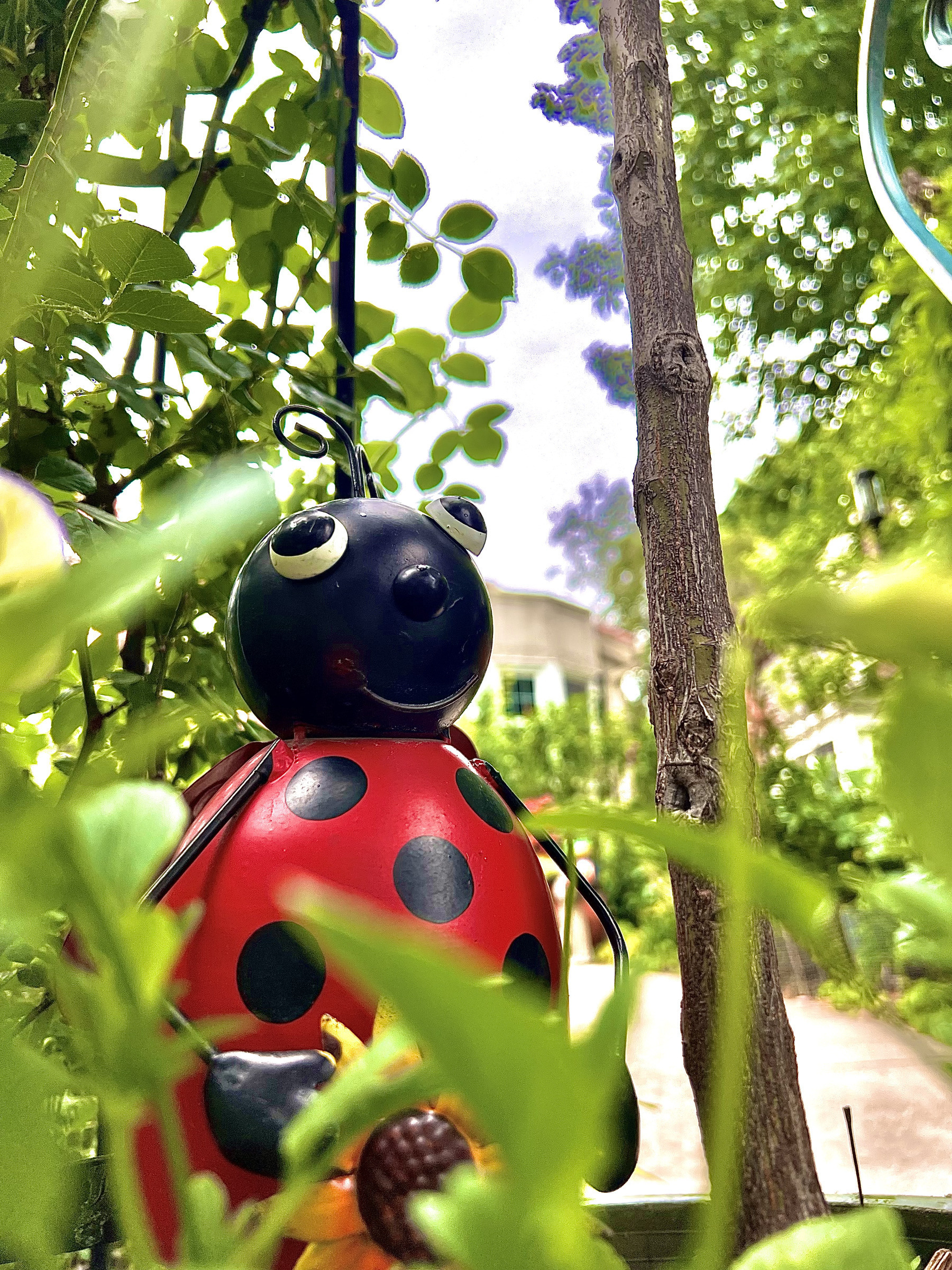
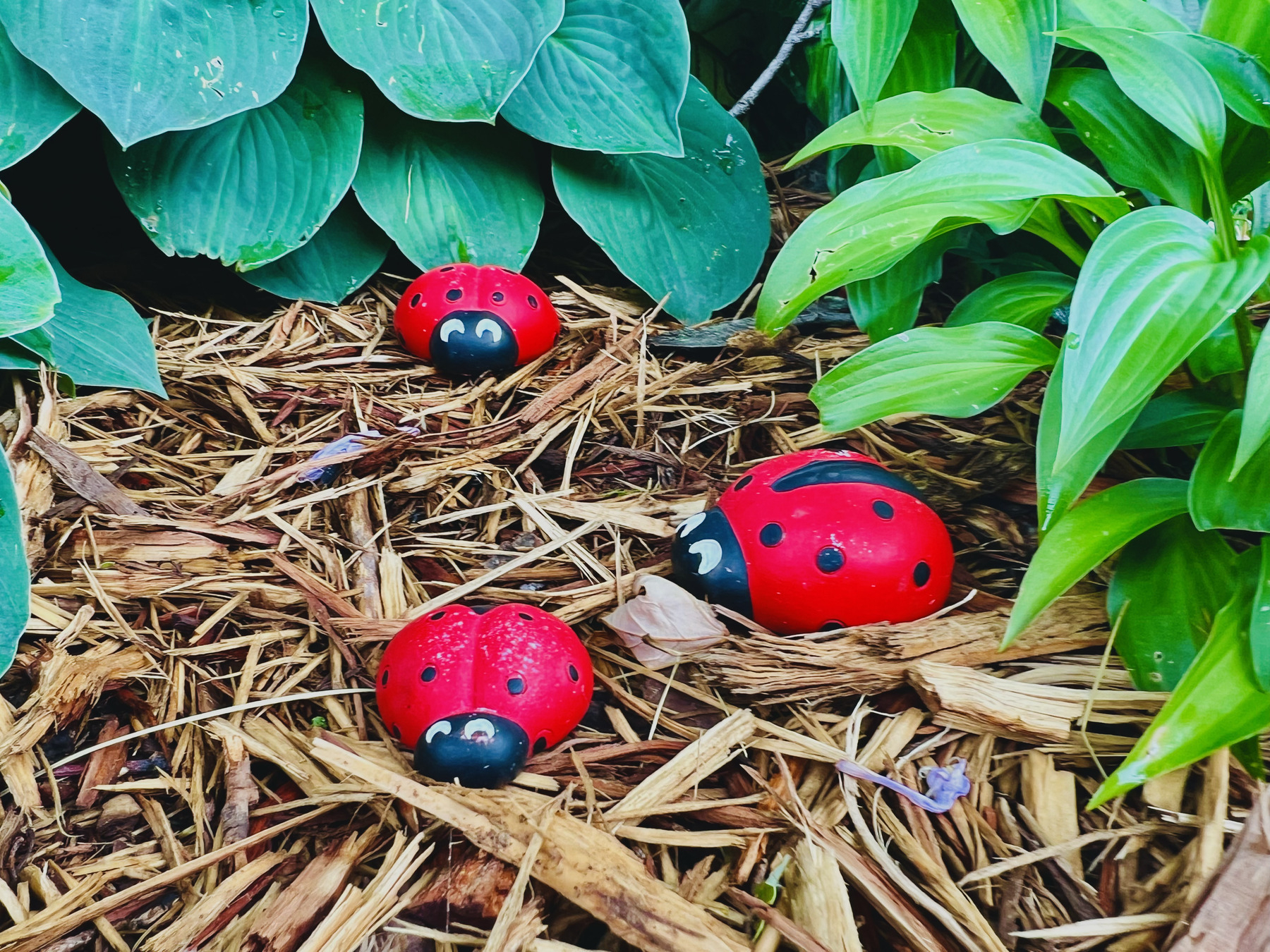
Hidden Ladybug
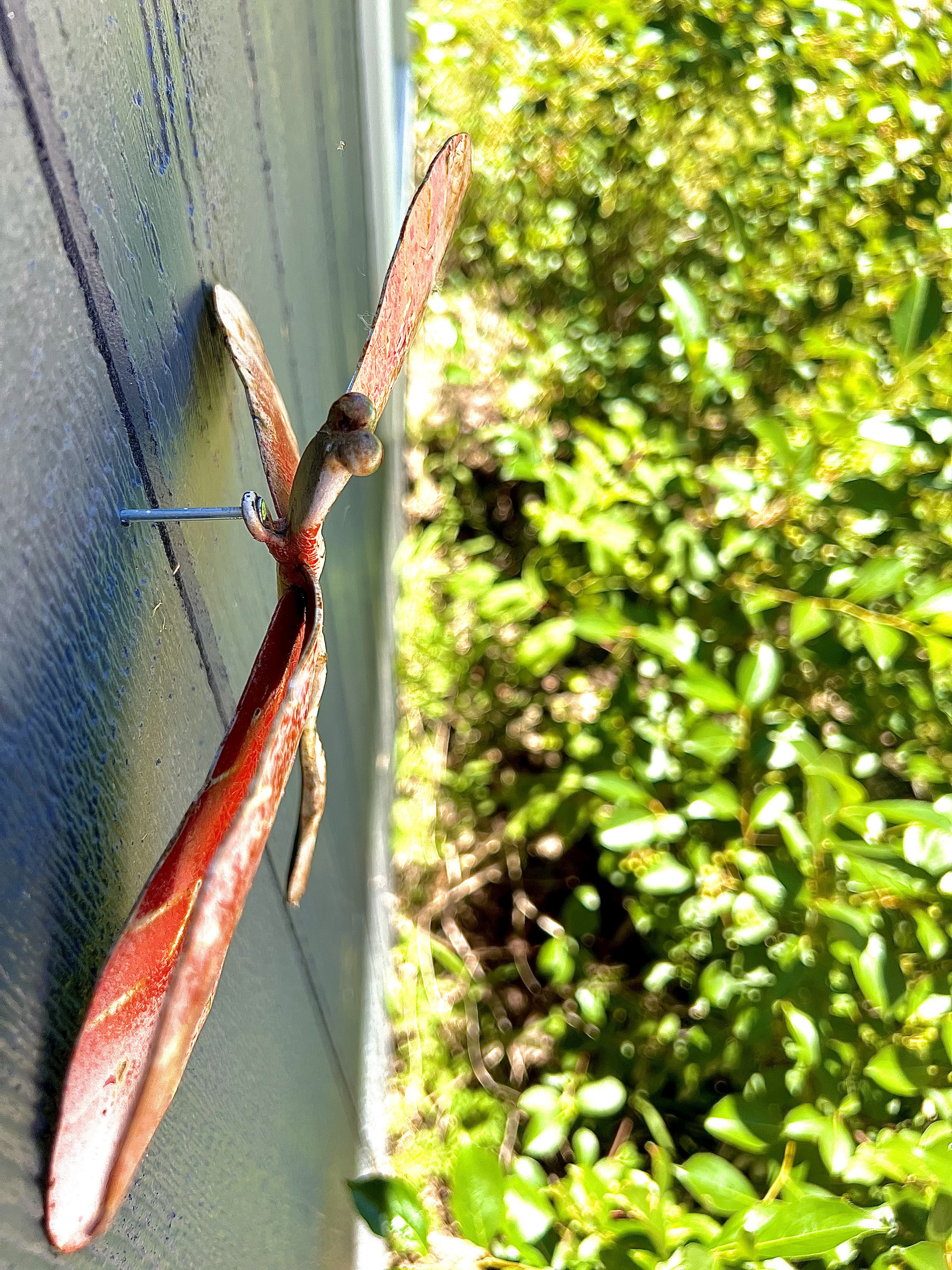
Flying Dragonfly
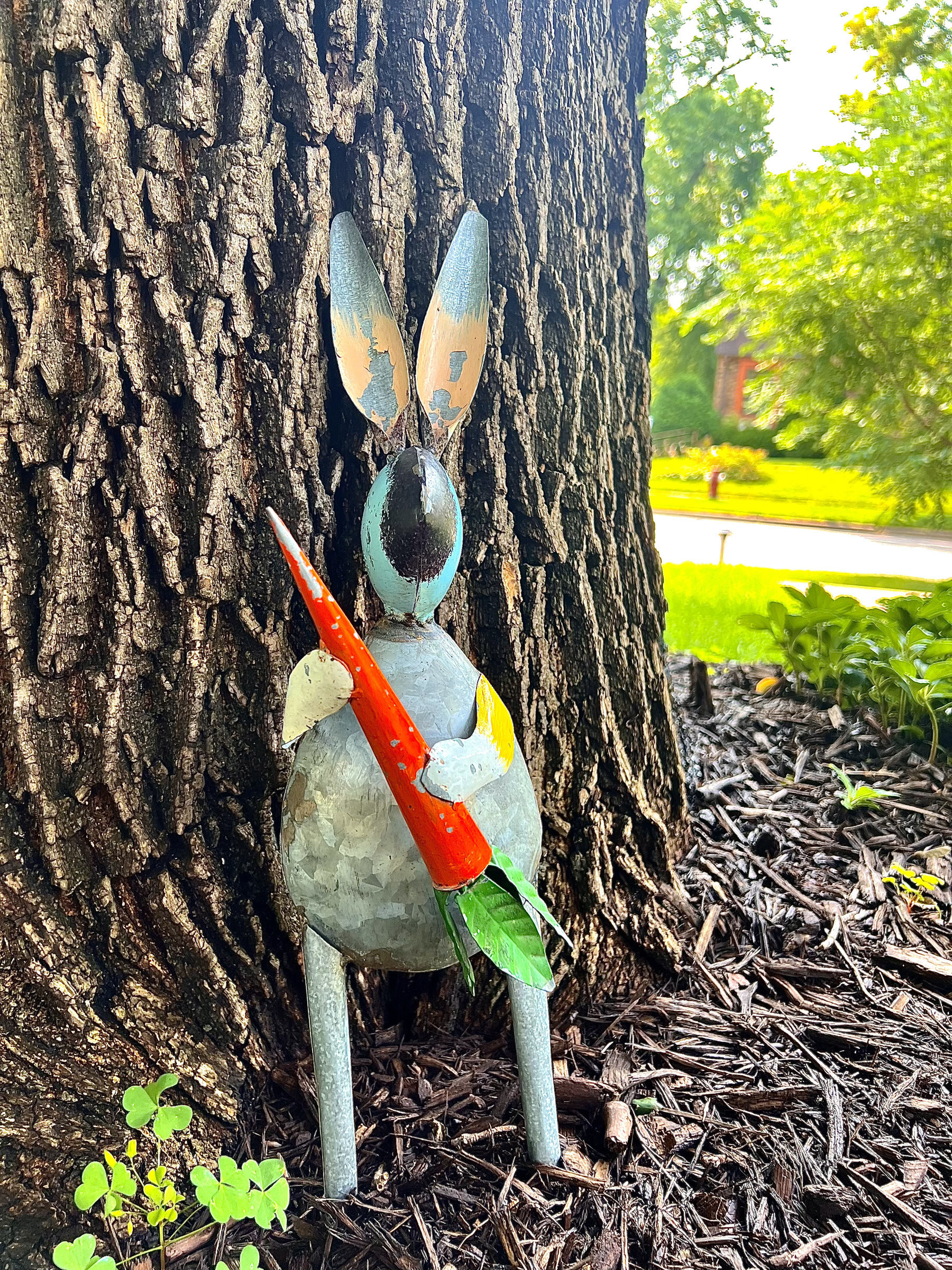
Snacking Rabbit
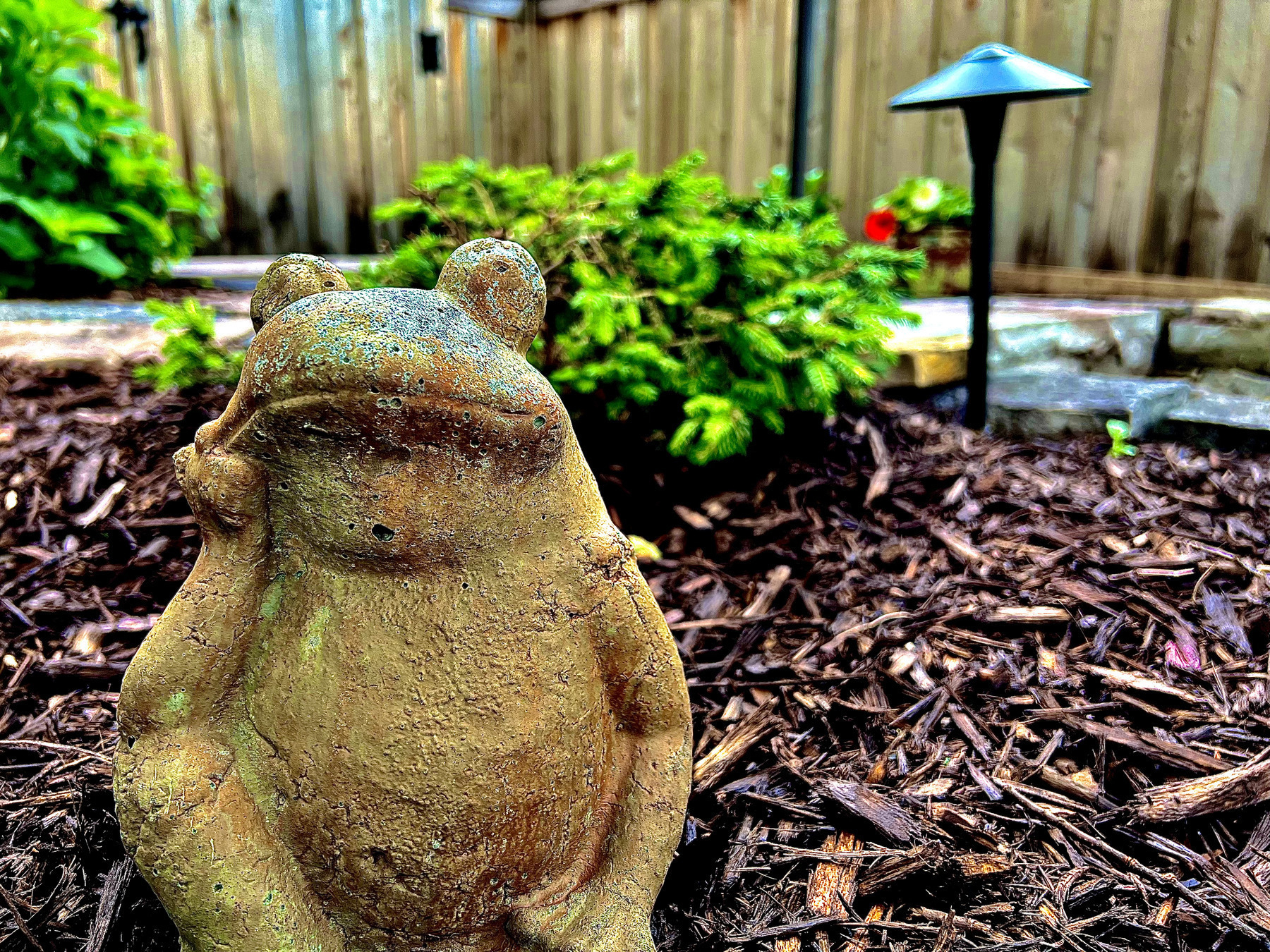
Relaxing Toad
Community of Ladybugs
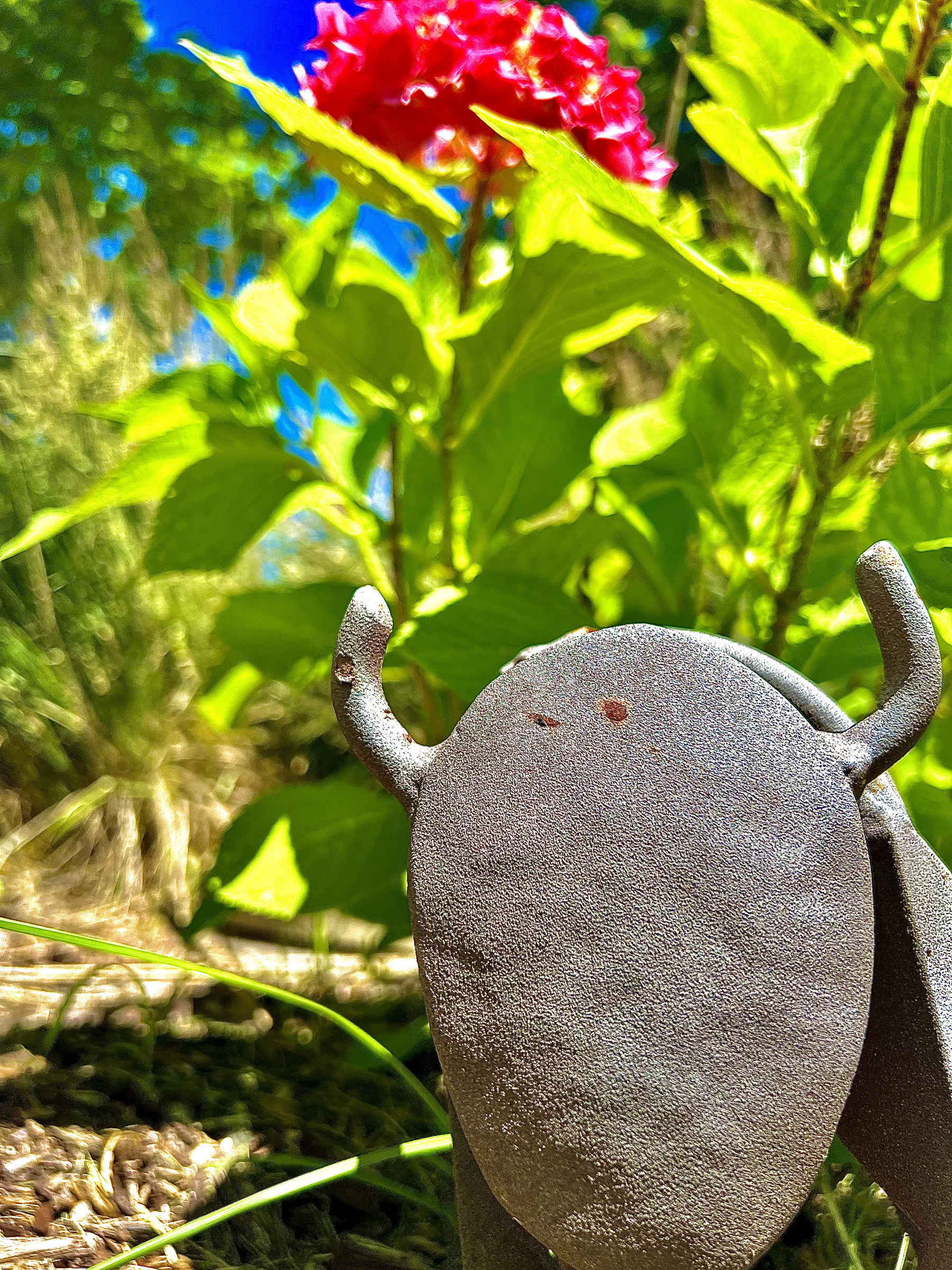
Bison And A Flower
That is the end, thank you for looking at my photo collection
Part of Summer Challenges.
Basic counter using Shortcuts & Data Jar
In this challenge I was given the task of creating a counter using Data Jar and Shortcuts. It would do five basic functions(create value, delete value, view value, increment value, decrement value.). I watched lot of youtube videos and got a lot of help but in the end was able to make the program work. the rest of the blog post details what I did and what I learned while making it. The shortcut gives you five options of what you want to do to a value in Data Jar.
In this Shortcut you can view a value, increment a value, decrement a value, create a value and delete a value. Let’s start with incrementing and decrementing values. to do this I first had to first get the keys for people to choose from. I had to learn not to use a list because keys can be added and deleted so I had to use the get keys action then use a menu with the information from the get keys action. They then choose what they want to change. Then the computer gets the value by putting counter.(the dictionary name) then the variable of what they chose from the list. Then I used the value that I got previously as the variable in a calculator action with +/- one depending if you were incrementing or decrementing the value. Finally I would set the value by using counter. the item that was chosen before to the calculation result then a show result to show what the value was equal to. 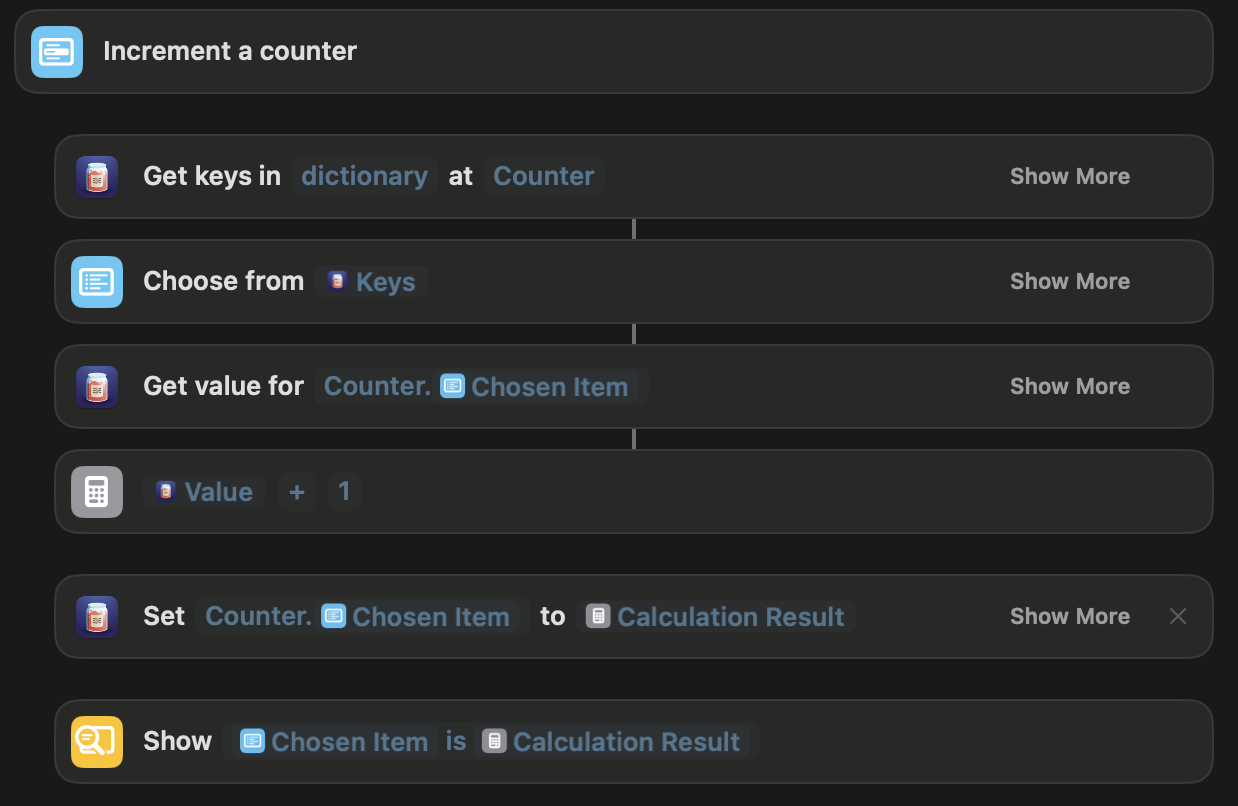
The only thing that was different when decrementing a value was I couldn’t let the value be negative. To work around this I used an if statement and said if the calculation result was greater than or equal to 0 it would work fine otherwise a alert will pop up saying “You cannot set the below zero” and the program will end there. 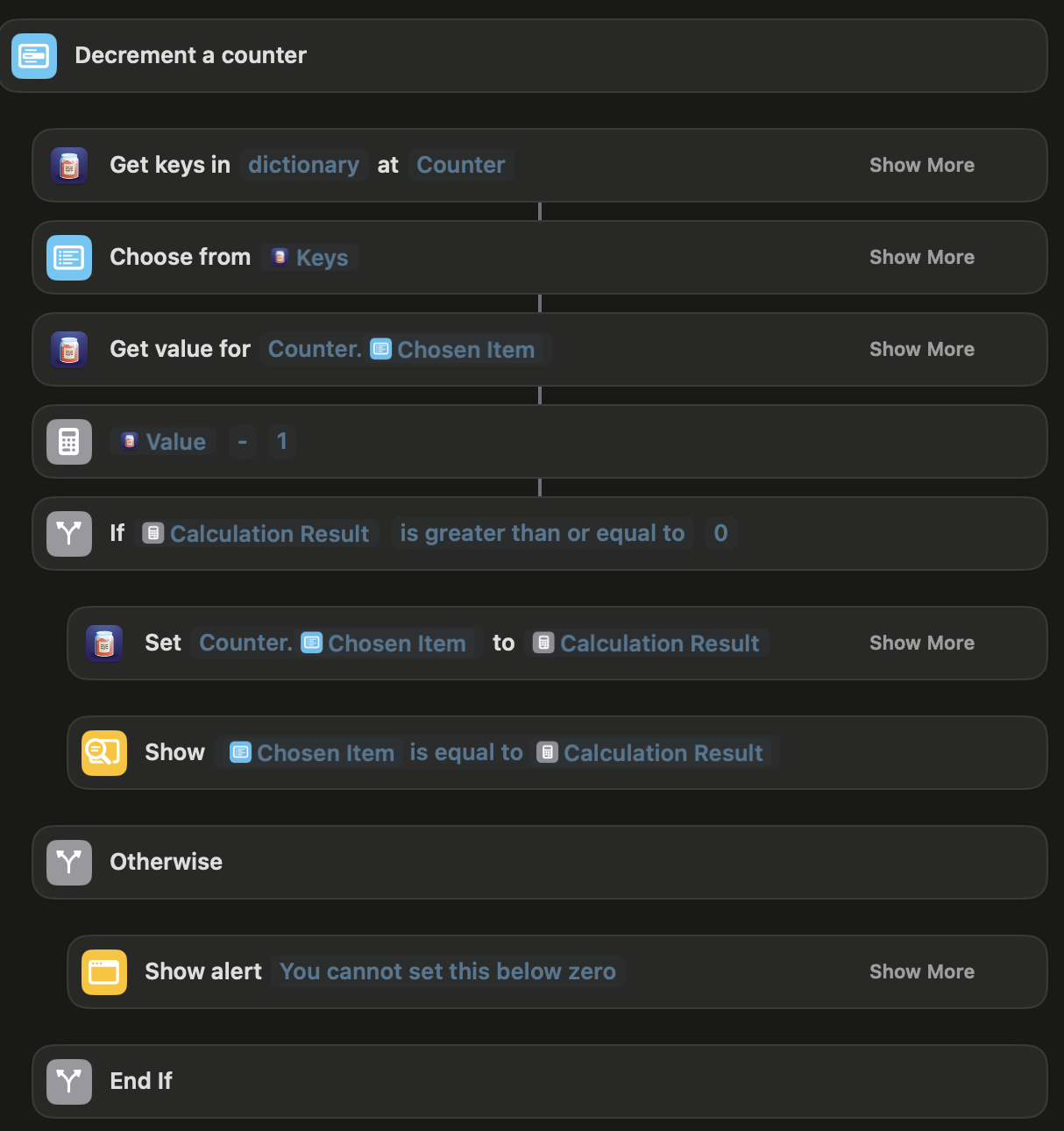 From this part I learned how to get a value using the dictionary name dot whatever value you want. this allowed me to use that as a variable to use in the calculator and show what the value is equal to. I also learned how to deal with the amount of values and names of values changing by getting it directly from the source instead of pre-coding it. The final thing I learned from this was that a value shouldn’t go below zero and I can’t trust the user to make sure the counter doesn’t go below zero so I have to control it myself to make sure the counter cannot go below zero which is just a good thing a can carry throughout all of my programing.
The next thing was creating a counter. First the program asks for what you want to name the new value then creates that value with the name you put in. Next the program sets the value of the new value to 0 . Finally the program shows the result by saying that the counter was created. I learned that you you can set a value that doesn’t exist and the program will make the variable which was tripping me up previously and since this was technically the first one I coded I also had to learn that you have to put the dictionary name dot whatever you are accessing which I had been confused about before.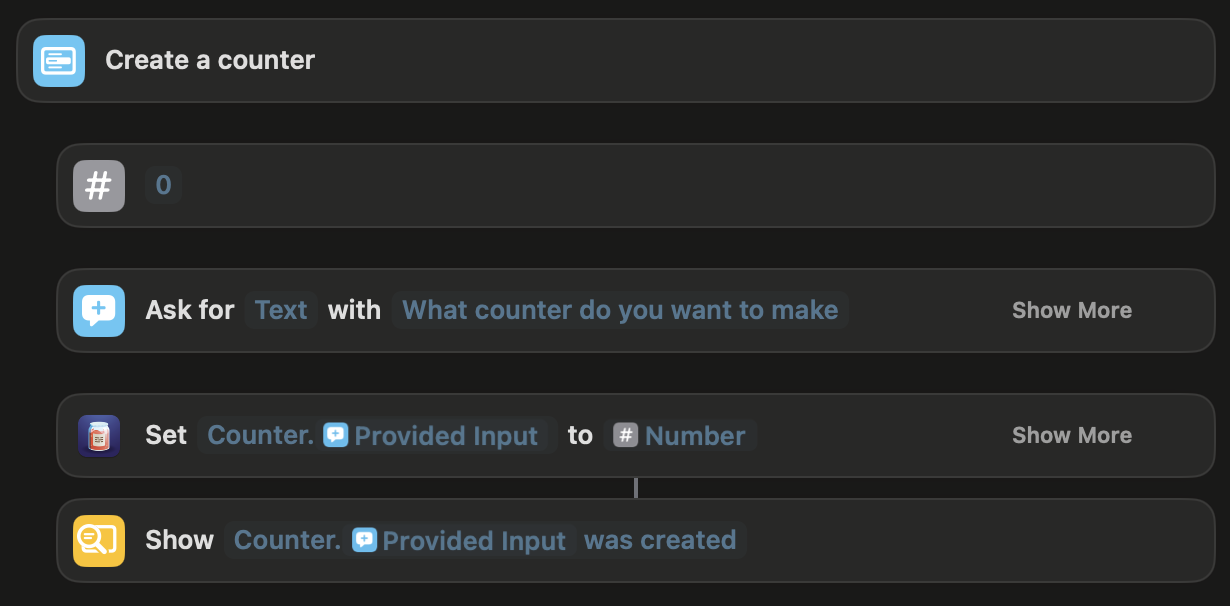
Next is removing a counter, First I had to get the keys from a dictionary(this was the second one I did so I hadn’t done this before) which I was super confused on. I kept on getting confused because it is written like this “Get keys in ____ at _____”  I was always getting stuck on this because in the first slot you are supposed to put dictionary then after you put the name of the dictionary you are getting it from. I kept putting the dictionary I was getting it from first then not knowing what to put in the second blank slot. Once I understood that I was able to use that action fine throughout the rest of my coding. Going back to the program, the person has to choose which value they want to delete. After they choose it gives you a warning making sure you want to delete the value. If yes it uses the delete value action which was the one action I understood from the get-go otherwise if you say no it just does nothing. From this I learned how to use the get keys action which I would need for the rest of the programmed some more controlling just making sure if you pressed the wrong button you wouldn’t have to delete a value.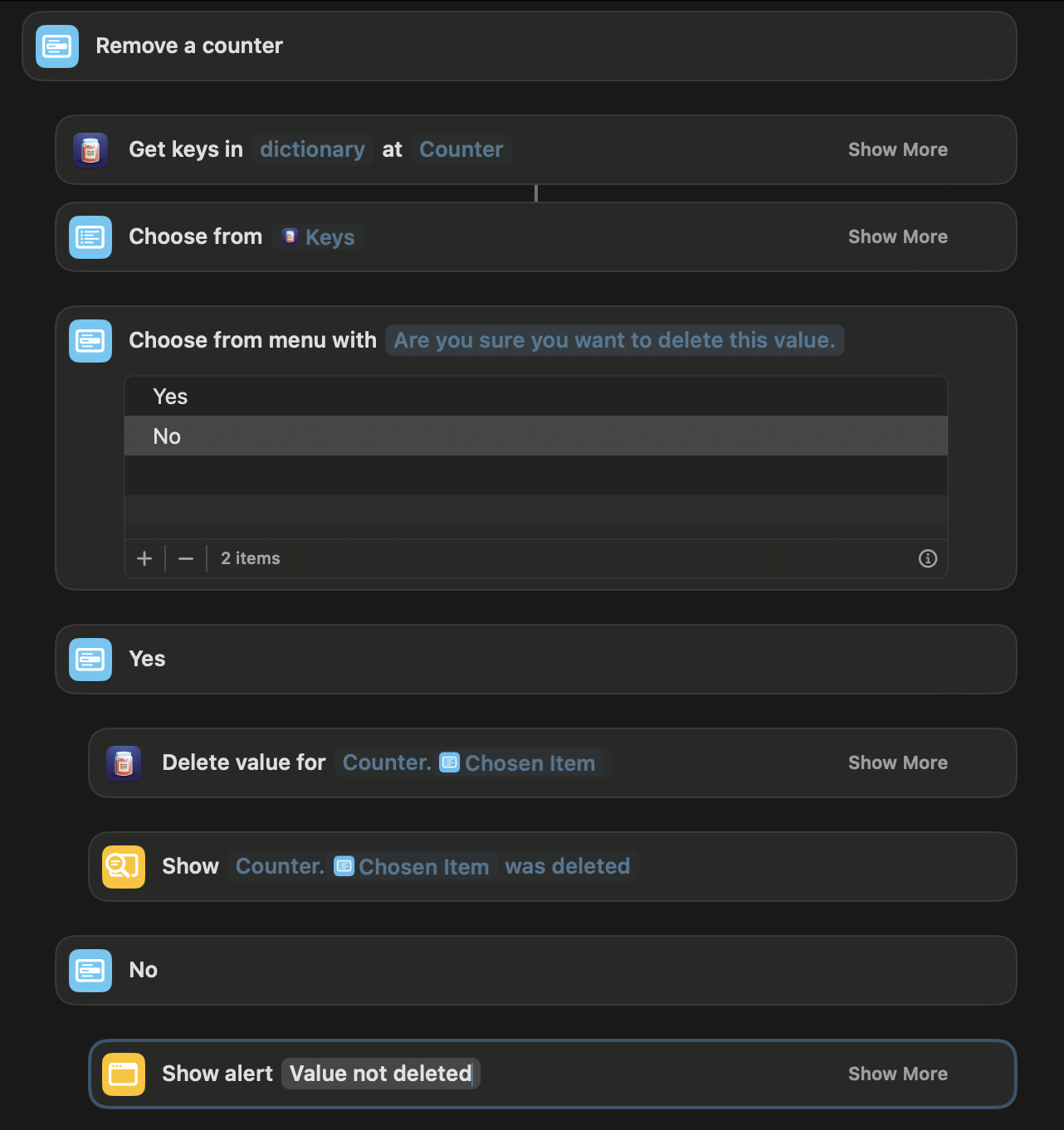
The final one is viewing what a value is equal to. This was the last thing i did so I knew how to use everything. First is getting the keys from the dictionary then using that list in a list to pick from. Finnaly get the value then just a show result with the chosen item and the value we got from the previous action. 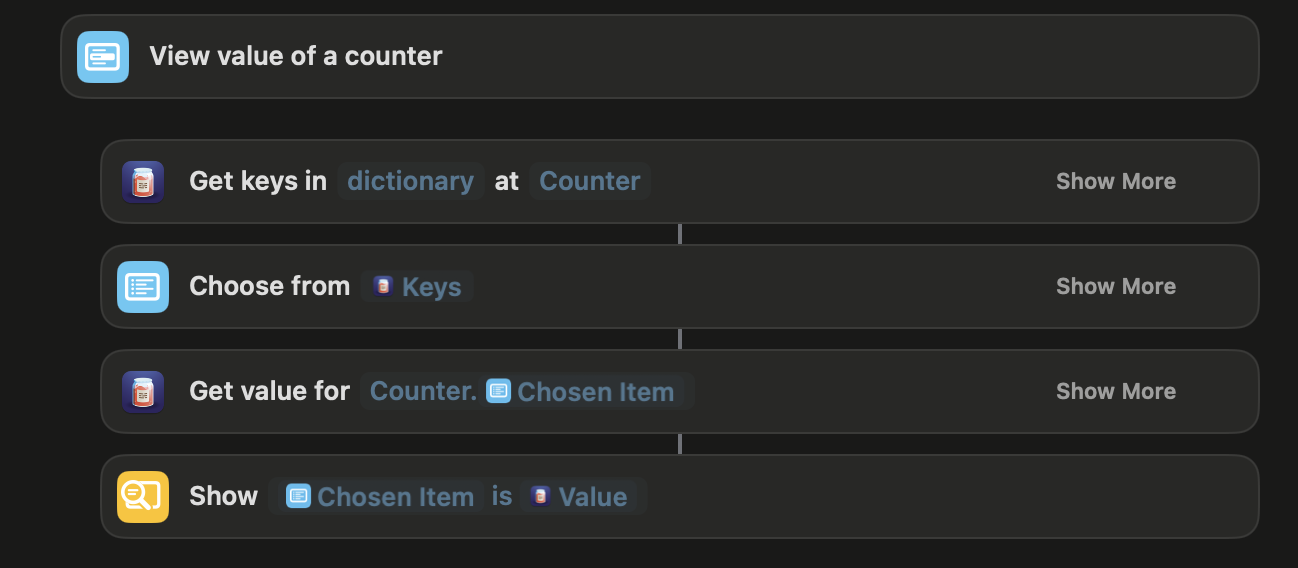
Overall I learned how to use most of the Data Jar actions in Shortcuts and how they can be utilized in different ways to be very helpful. I also learned more about dictionaries and how they are used in code. Dictionaries are a collection of data in key value pairs, and in this program is used to store multiple counters with numbers attached to them. I now can do more complex things with shortcuts now that I know how to use Data Jar and the actions that go with it in shortcuts.
The Shortcut
Part of Summer Challenges.
Chess Game
This is a chess game that I played against my friend Sabik. I was white and I started by playing the Portuguese Opening. The game progressed as normal as we developed are knights and bishops. We both Traded queens on move 13 which was quintessential to my strategy. Then on move 24 I made a key play with my knight where I put his king in check and won his rook. After I managed to trade both of our knights leaving me with 2 pawns and a rook and him 3 pawns. I took the rest of his pawns only losing one pawn of my own then took the other pawn to become a queen for a ladder checkmate. I blundered the other pawn but then got a Rook-King Checkmate 24 moves later. The game is below ↓
Part of Summer Challenges.
Building a Tower
In this blog post I will be detailing the parts I will be putting in my new tower and why I chose these parts.
My tower will mainly be used for gaming. It should be able to any game in 1080p in ultra setting easily and can play and game in 1440p very well(According to ChatGPT). It will be mainly white in a dual chambered fish tank case. Here is the Parts list
CPU - I am using the AMD Ryzen 5 7600X as my CPU for a couple of reason. It is one of the cheapest 5th gen CPU’s and since i’m trying to save some money this is nice. Second, since it is 5th gen I will be able to upgrade to Ryzens 8000 series of chips which will be 5th gen. Lastly, it works well with my GPU so there will be no bottlenecking (Bottlenecks?)
CPU Cooler - I chose the Vetroo v5 because it is sufficient to cool my CPU and I chose the white to match it to the rest of the build. I would have used the Deepcool AK620 but it is to big to fit in my case (Quick not just found out thagt deepcool is sanctioned form the U.S.) and i don’t think my case is big enough to fit an AOI cooler otherwise I would have either of those. But until I upgrade this will be good enough.
Motherboard - I chose the Gigabyte A620M S2H Micro ATX AM5 Motherboard for a lot of reasons. So first it has an AM5 socket so my CPU will work. It has 4 DDR5 slots which I need since I am using DDR5 memory. It has built in wifi which is a nice feature, has good performance, and has two RGB plug-in’s which i will need. The only downside is the motherboard cannot overclock but I personally don’t think I will need or want especially now.
Memory - I chose the Delta RGB DDR5 Desktop Memory White. I needed DDR5 memory and had picked out a much cheaper 4200MHZ memory card and was going to get that but then I was advised to get at least a 5200MHZ memory card and I saw this one which was white to go along with the build and it had RGB’s so I decided to splurge and get this. It has 32GB and runs at 6000MHZ and CL30 so it is a good card and will last me a long time.
Storage - I chose the Leven JPS800 1 TB M.2-2280 PCIe 4.0 x4 NVME. I just needed M.2 storage for my tower and this looked like a good one that was on the cheaper side it also had very good read /write speeds for the price but that’s all there was to it.
GPU - I chose the ASRock Steel Legend OC Radeon RX 7800 XT 16 GB. I decided on it for a couple of reasons, one I watched multiple Youtube videos that recommended it, it goes well with my CPU, good specs and seems good for gaming, ChatGPT agreed with all of this and there is no bottlenecking between my CPU and it. I also liked that it came in white and it fit perfectly into my budget while still being exactly what I want. It is a three fan design as well which I like the look of. It can go up to 2520MHz and expected to run at 2213MHz and has 16GB GDDR6 of memory. All of this convinced me to not go for a RTX 4070 Super(which had 4 less GB), Gigabyte 4070 Windforce, or MSI 4070 ventus x2. The main reason I wanted to get these though were for nvidia’a features but I think the ASRock Steel Legend was a better choice.
Case - (can’t buy case directly form SAMA for some reason) I chose the Sama AR01-RGB-W Tempered Glass Micro -ATX Tower Gaming Computer Case w/ 4 x ARGB LED Fans. I got this case because my motherboard is micro-ATX so I needed a micro-ATX case. I wanted a very aesthetic tower so i have to get a fish tank case and to make things easier for myself i got a dual compartment case. The case has 4 fans so hopefully that will be enough cooling for the build.
Power Supply - I chose to get the Apevia Prestige 800w as my power supply. I chose it so I would have a ton of extra power so I can upgrade very easily and not have to have any power concerns. It is a good high quality power supply but the big downside is that it is non-modular so I’m stuck with big black cables but… I am going to get ABN01 Cable Extensions to tie the aesthetics together and so you won’t see big ugle black cords.
Monitor For my monitor I got the Samsung Odyssey G50A 32.0" 2560 x 1440 165 Hz Monitor. It will do my tower justice and with 165 hertz should be good for the time being. I did want a bigger monitor so I decided to go on the big end of practical monitors. Good price just about as much as I want to pay.
Operating software I chose Windows 11 pro as my operating software. Microsoft is best for gaming right now and is just there newest version so why not get it so it will last longer.
Those are all my parts. It is my first time building a tower so if you have any feedback I would love to here it. -Thank you!
Part of Summer Challenges.